
Feature Tour
-
Connect with Friends
In: Feature Tour
Stay connected with fellow EV drivers by adding family, friends, and followers on TezLab. Keep up to date on their stats and posts, and make it easy for them to find your profile with built-in community features for EV drivers around the world. How to find and add friends 1. Download or open TezLab 2.…
-
Share Your Public Profile
In: Feature Tour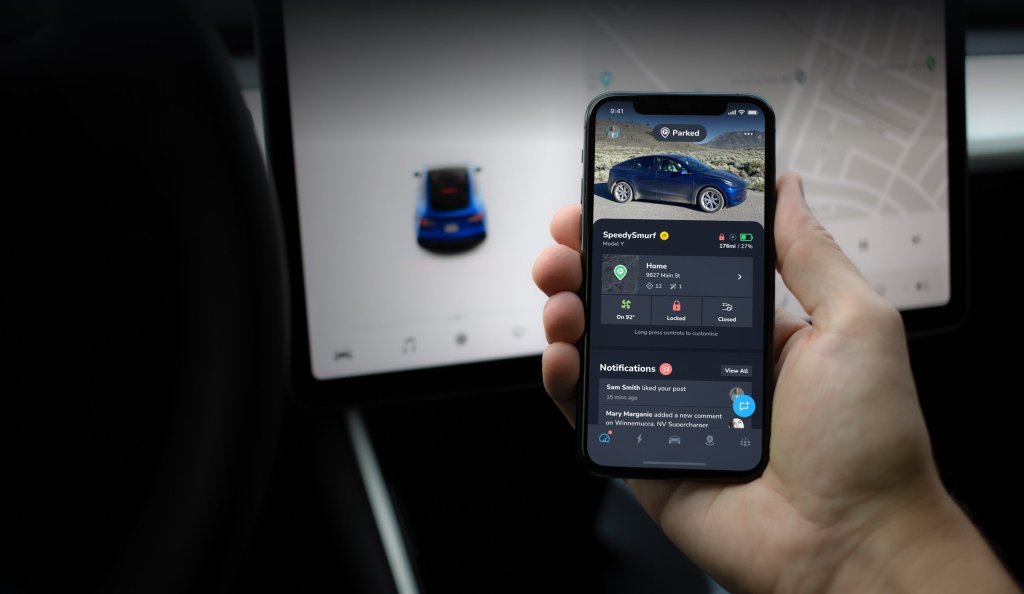
Easily share your public profile with friends to compare stats on your driving. Whether you want to share your profile with family and friends, compare efficiency and charging costs with your spouse, or share your stats with followers online, we’ve got you covered. What’s on your profile Your public profile is a snapshot of your…
-
Share Zap Video Reviews of Superchargers
In: Feature Tour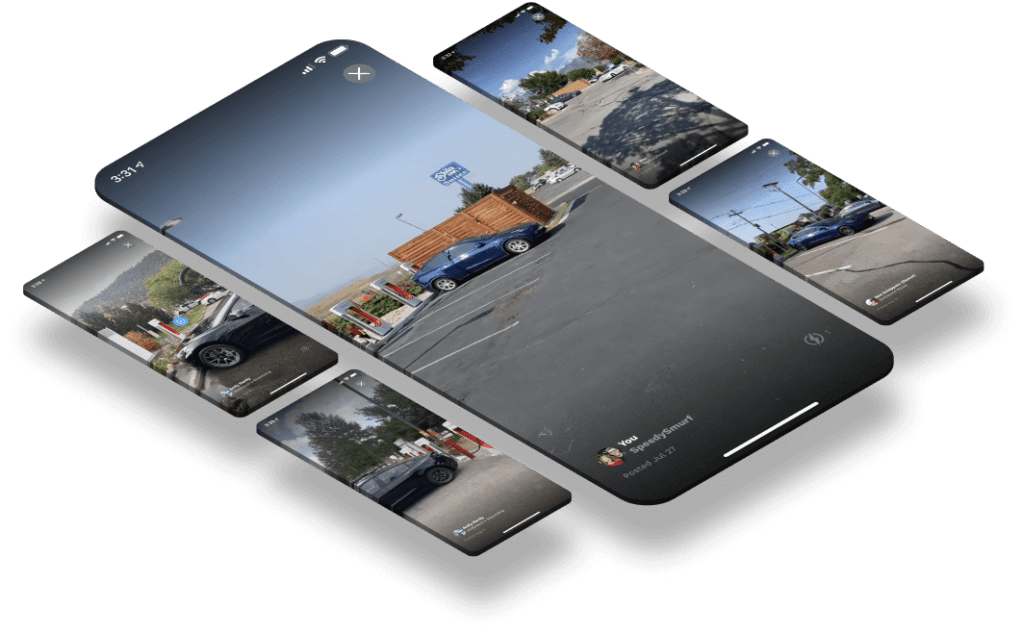
Sometimes pictures aren’t enough to help you choose the best Supercharger for your trip. Use Zaps, or video reviews of Supercharger locations, to help you plan your trip – or create your own Zaps to share with other EV owners to make the charging experience better for all. Creating a Zap Tips for a great…
-
Insights into Your EV Road Trip
In: Feature Tour
Want to see all your driving insights for a trip in one place, rather than switching between individual drive fragments of a trip? Whether you went on a short weekend getaway or took a multi-week holiday with the family, it’s easy to group together your drives and charges from a road trip. See all your…
-
Follow Your Live Driving Stats
In: Feature Tour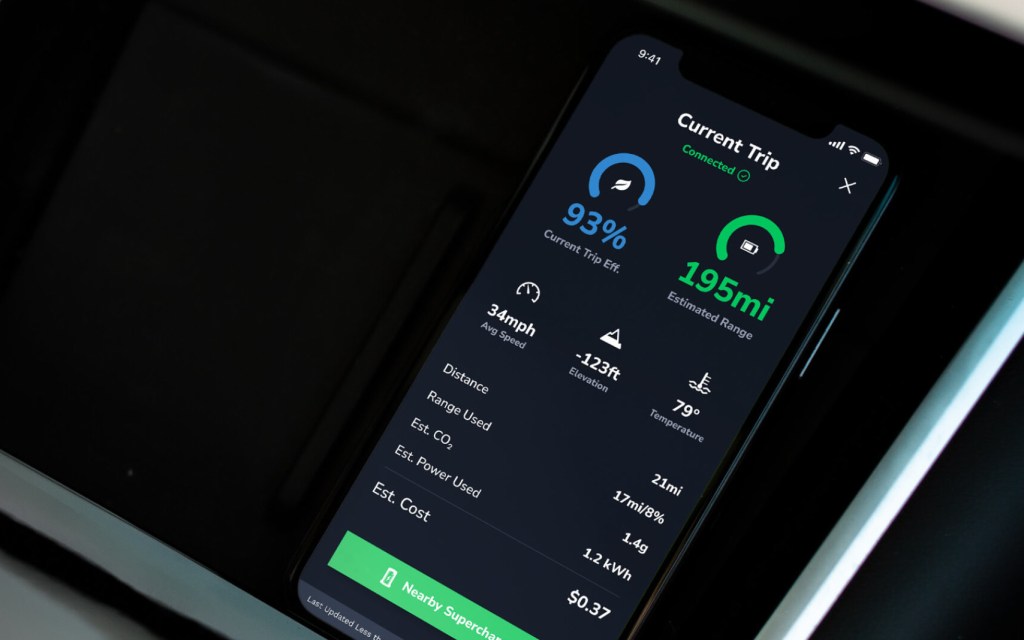
Analyze the real-time impact of your driving style on your electric vehicle’s efficiency and range. Access your live driving data To access your EV’s live driving stats, start by opening the TezLab app on your phone. Download TezLab here. If your vehicle is actively charging, you’ll see a blue “Driving” icon at the top of…
-
Track Your EV’s Current Charge
In: Feature Tour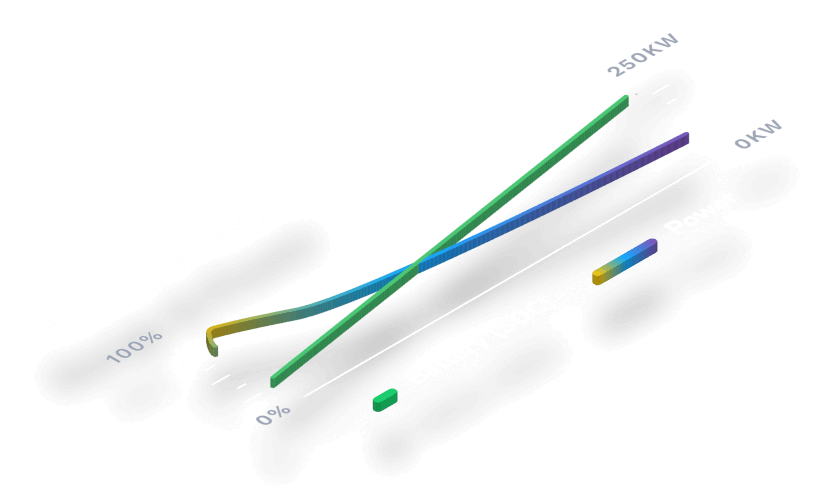
Gain insights into your electric vehicle’s live charging status, from how much time is remaining to your real world estimated range. Access your vehicle’s charging stats To access your EV’s charging stats, start by opening the TezLab app on your phone. Download TezLab here. If your vehicle is actively charging, you’ll see a green charging…
-
Your Efficiency vs. Temperature Report
In: Feature Tour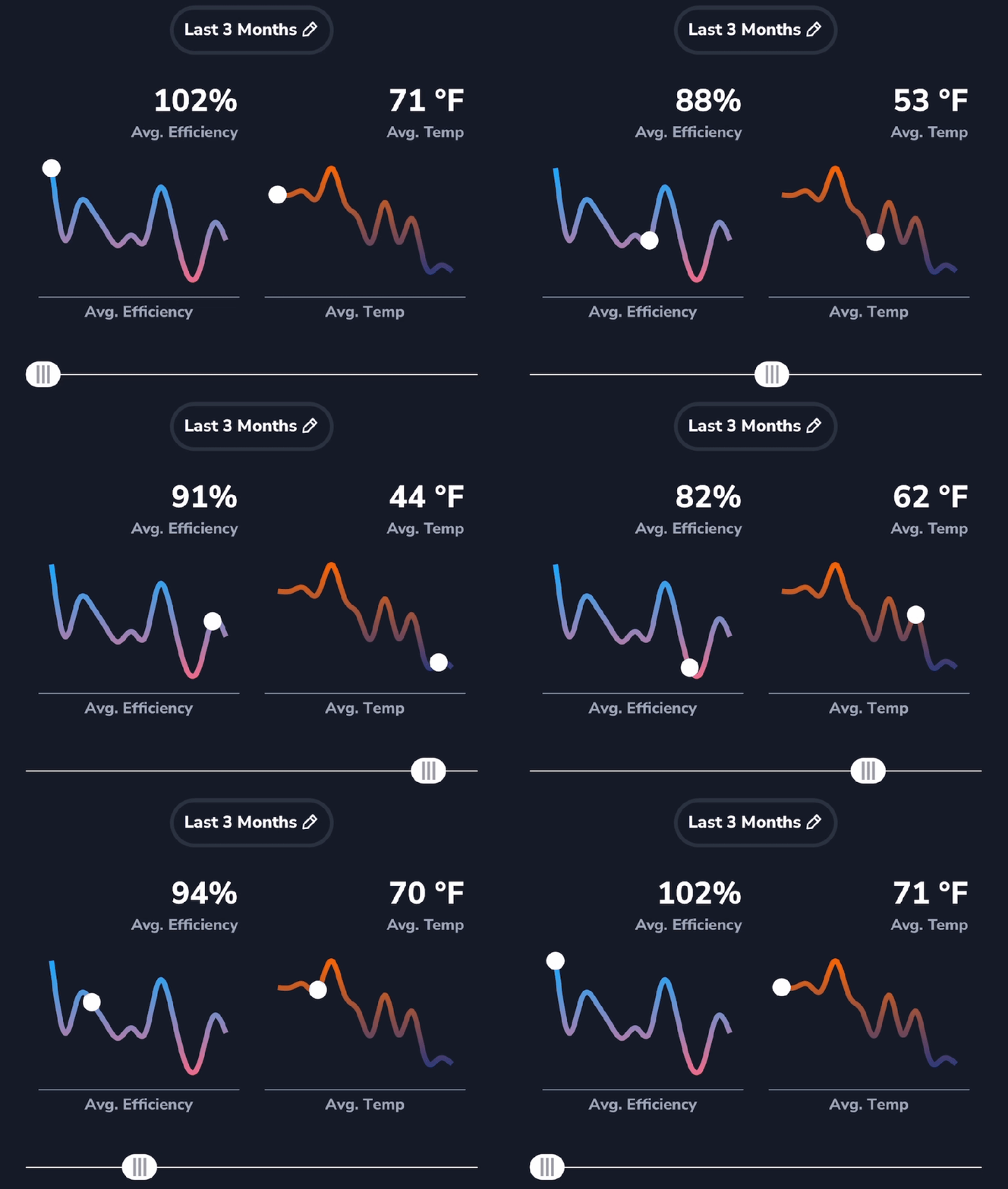
If you ever feel like your EV battery is depleting faster when the weather changes, you might be right! The weather can have a big impact on your vehicle’s efficiency and range. Your Efficiency vs. Temperature report can help you gain insights into how your efficiency score changes with the temperature. Learn how to track…
-
Your EV Battery Range Performance Report
In: Feature Tour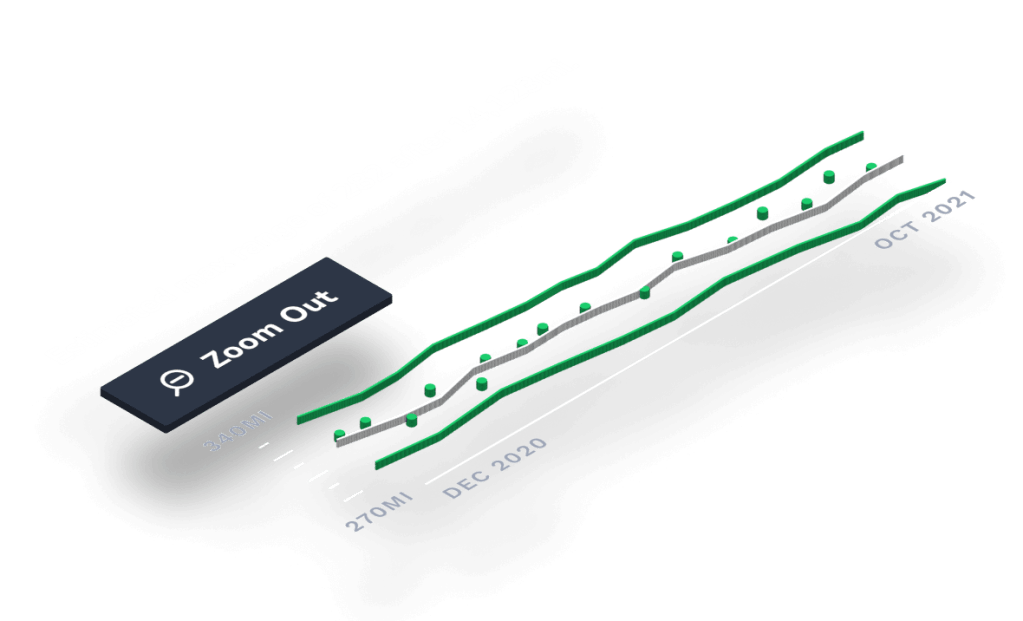
Use your Battery Range Performance report to gain insights into the change in max capacity of your battery over time. While it’s not possible to determine the exact chemical health of your battery from data provided by your vehicle, this report gives you an idea of what some refer to as “battery health.” Read on…
-
Your EV Range Added vs. Used Report
In: Feature Tour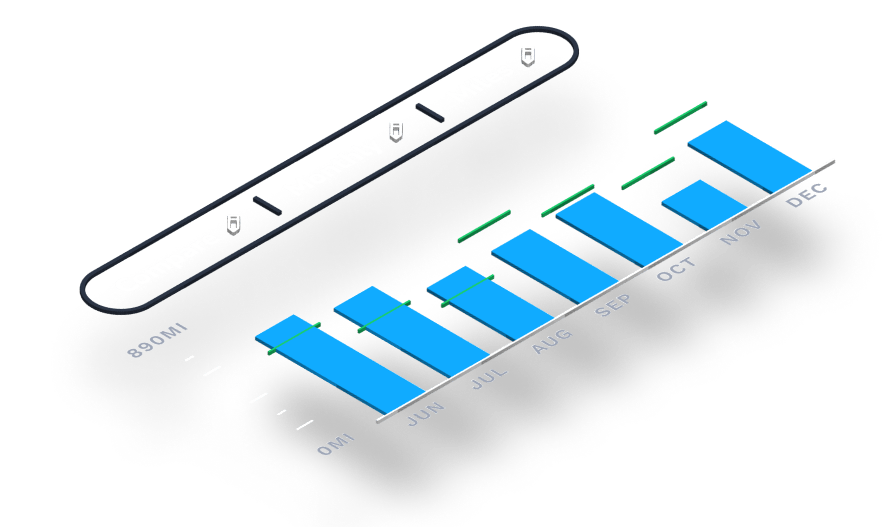
Use your Range Added vs. Used report to gain insights into trends over time as you charge and drive. This report shows you an easy visual comparison of your range added while charging versus your range used while driving. Read on to learn more, including how to access detailed information on your usage efficiency. Accessing…
-
Community Reviews in the Supercharger Map
In: Feature Tour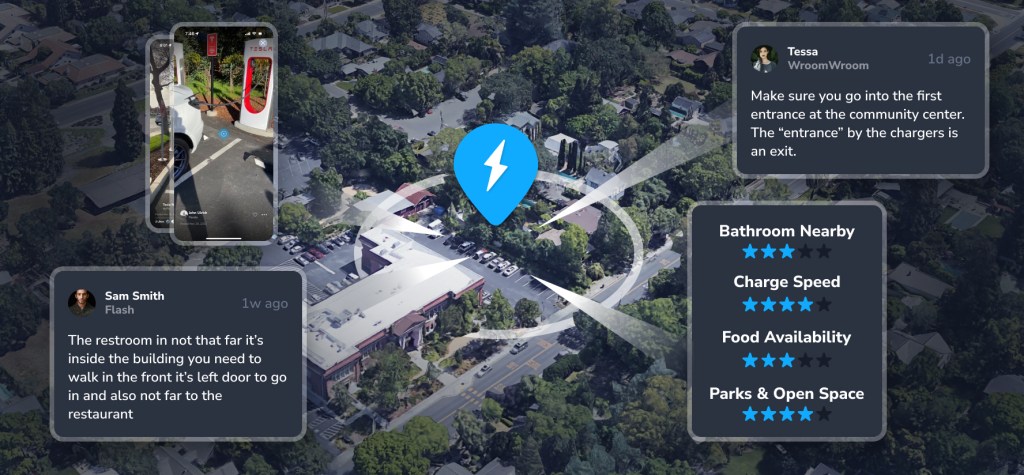
Use our best in class Supercharger map to find the perfect charger for your trip. Access the Supercharger map right from your phone using the TezLab app, or visit the brand new public map online. From video reviews to ratings on charger speed and food availability, community features in the Supercharger map can help you…
 Tezlab Blog