
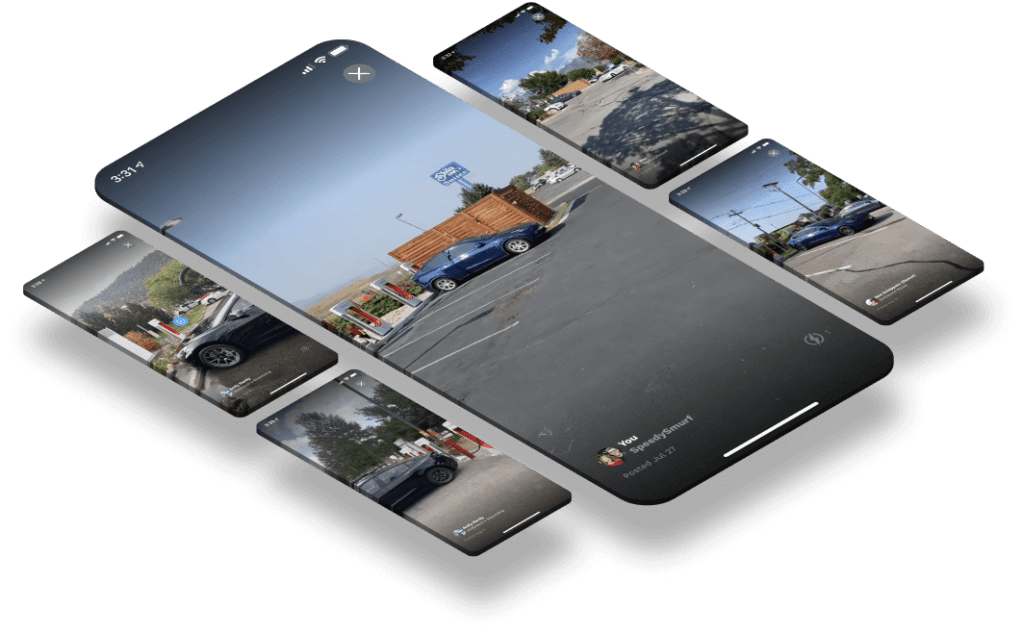
Sometimes pictures aren’t enough to help you choose the best Supercharger for your trip.
Use Zaps, or video reviews of Supercharger locations, to help you plan your trip – or create your own Zaps to share with other EV owners to make the charging experience better for all.
Creating a Zap
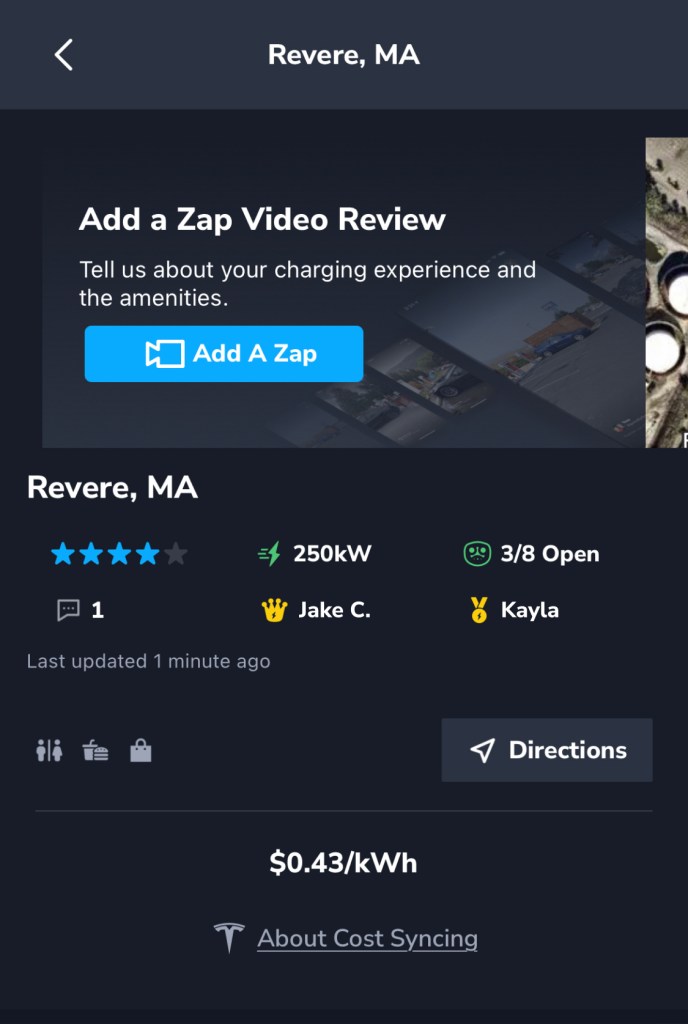
- After you’ve downloaded TezLab, open the app and navigate to the fourth tab along the bottom of your screen for the Supercharger map.
- Click into the Supercharger you’re visiting.
- Select the blue “Add A Zap” button to record your Zap on the spot, or upload a video.
Tips for a great Zap
- Keep it short – under 30 seconds is perfect
- Show nearby restaurants, any green space, and the chargers
- Share any comments on the charging speed, dining options, proximity to roads, or any other information you’d like!
Check out this example Zap to get a sense of how you could record your own:
View Zaps created by others

If you’re planning out your driving route using the Supercharger map, click into a charger to see if there are any Zaps already posted.
Want to learn more about community reviews in the Supercharger map? Check out our blog post.

You can also view Zaps posted in your timeline. To navigate to your timeline, go to the last tab on the bottom of your screen in the TezLab app.
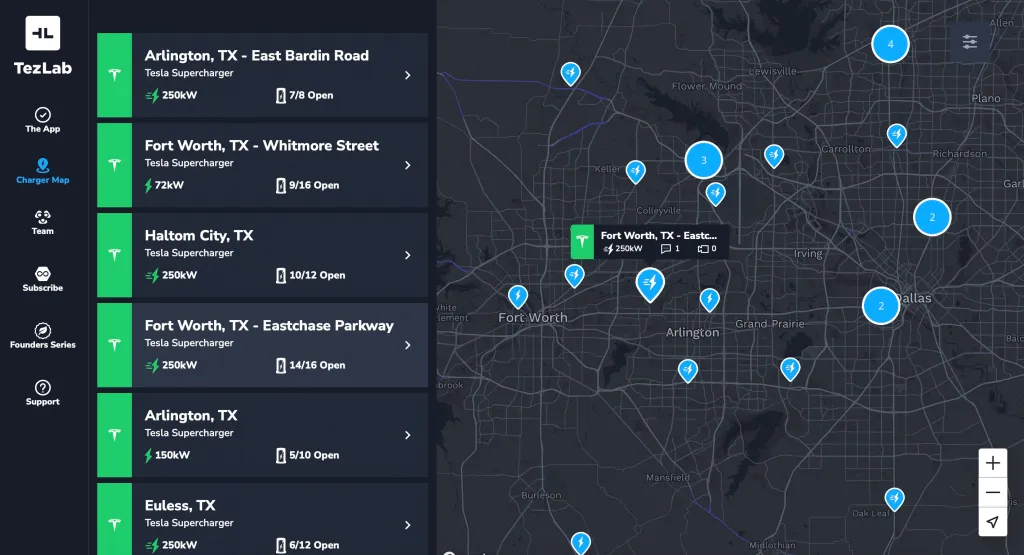
Want to see Zaps on the public map?
You got it! Browse reviews on our best-in-class Supercharger map to find Zaps for chargers near you.
Check out the public Supercharger map here.
As always, happy driving!
Download TezLab here, and subscribe to TezLab Pro for full access to Pro features.
 Tezlab Blog
Leave a comment