
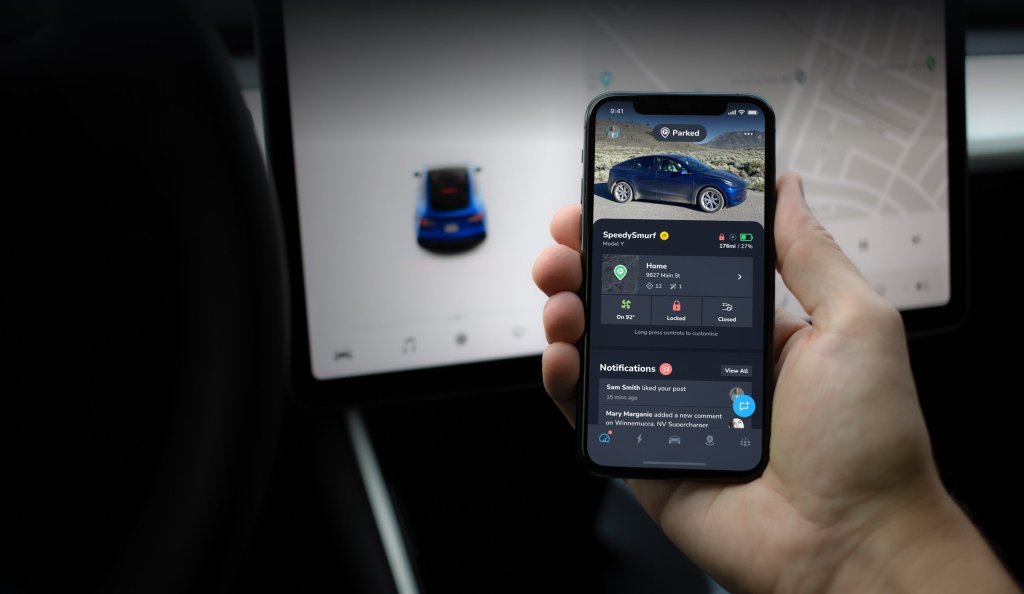
Easily share your public profile with friends to compare stats on your driving.
Whether you want to share your profile with family and friends, compare efficiency and charging costs with your spouse, or share your stats with followers online, we’ve got you covered.
What’s on your profile
Your public profile is a snapshot of your EV driving habits, including:
- Efficiency
- Average speed
- Distance tracked
- Driving time
- Median energy
- Charge time
- Charging cost
- Estimated distance cost
- Estimated fuel savings
- Drives
- Superchargers visited
Your direct follow link is available at the end of your profile.
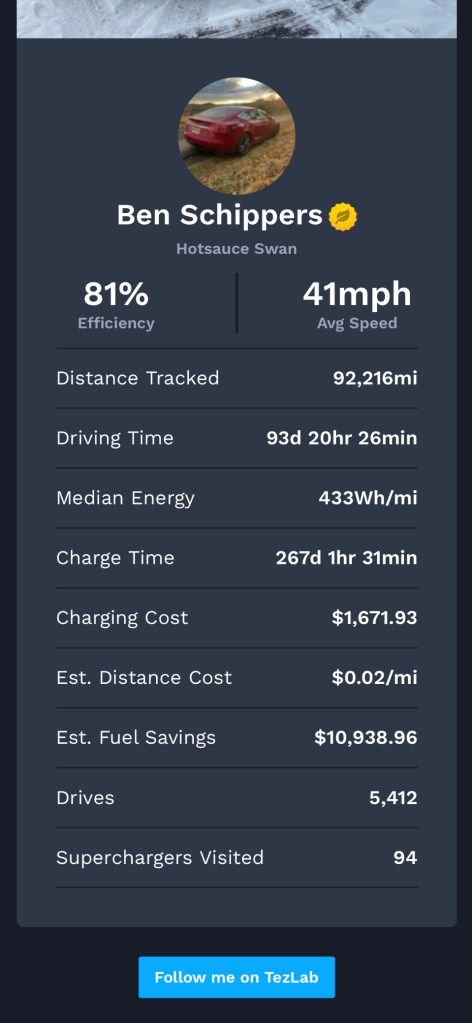
Note: The gold leaf badge indicates membership in the TezLab Founders Series.
TezLab Challenge!
Think you can beat Ben on fuel savings? Check out our post on X to join the conversation.
Pro tips
Looking for a little friendly competition?
- ⛽️ Compare your estimated fuel savings (minus charging costs) with how much your friend who drives a non-electric vehicle spends on gas.
- 📈 See who can reach a higher efficiency (check out our post Improve Your Driving Efficiency vs. Others for pointers).
- 🏎 Compete for the lowest estimated distance cost (for example, $0.02/mi) in the family.
How to share your public profile link
- Download or open TezLab
- From the home screen, click on the circular avatar in the top left to access your profile
- In your profile, click on the gear icon in the top right and select “Share Profile Link”

To make your public profile more personalized for sharing, add a picture of your car and an avatar.
Want more EV community?
Check out our guide on Community Sharing for EV Owners and our intro to Zap video reviews for Superchargers to help you plan your trip and make the charging experience better for all.
Wishing you happy driving!
Download TezLab here, and subscribe to TezLab Pro for full access to features.
 Tezlab Blog
Leave a comment