
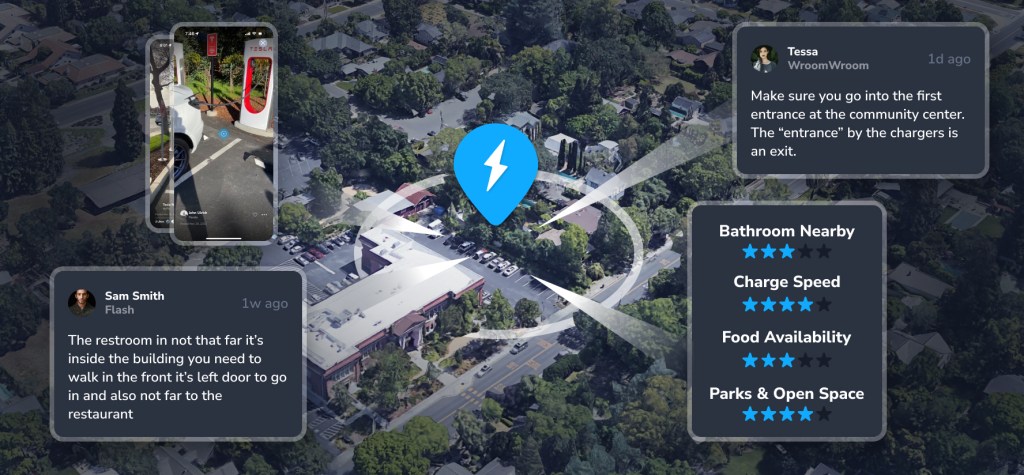
Use our best in class Supercharger map to find the perfect charger for your trip.
Access the Supercharger map right from your phone using the TezLab app, or visit the brand new public map online.
From video reviews to ratings on charger speed and food availability, community features in the Supercharger map can help you choose the best Supercharger for your trip.
To learn the basics of the Supercharger map, check out the last post in our Feature Tour.
Supercharger details
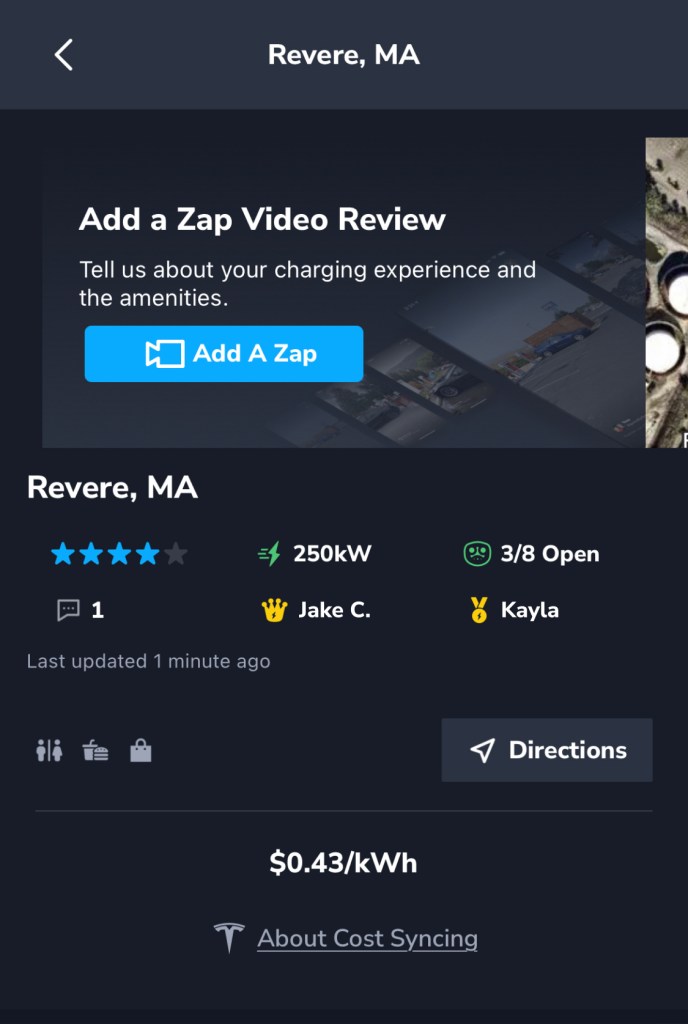
If you’re using the app: after you’ve navigated to the fourth tab along the bottom of the TezLab screen, click into a Supercharger.
You’ll find all sorts of details about that Supercharger, including the ability to:
- add a Zap video review of your experience at that charger
- see charging speed capabilities (ex. 250kW)
- see the number of total and open charging spots
- find available amenities, such as a restaurant, restrooms, and shopping
- get directions to the Supercharger
At the bottom of the first section, you’ll see the cost of charging per kWh. After your charge is completed, TezLab can attempt to sync the actual cost billed to you by Tesla. Note that this feature is only available if you have owner access (not a shared account).
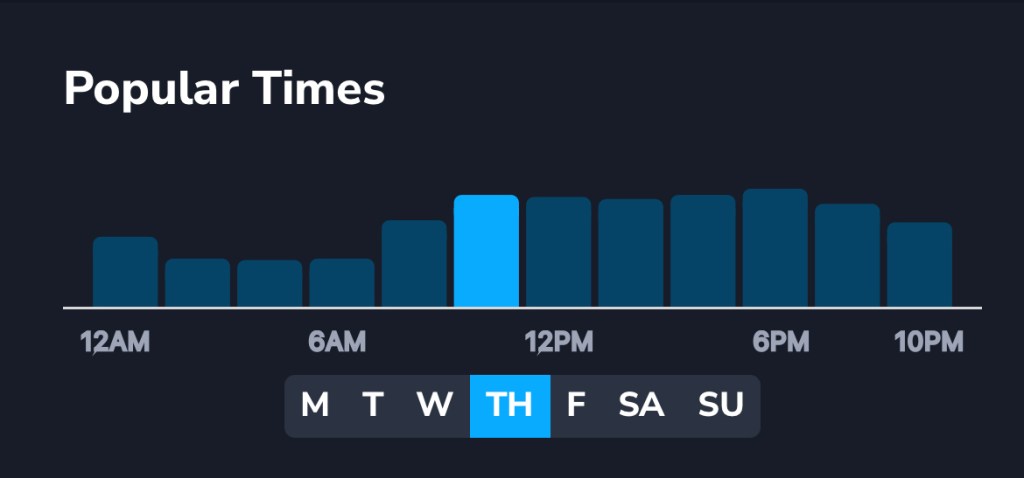
You can also check on popular times for that Supercharger, including day of week and specific time of day.
Awards
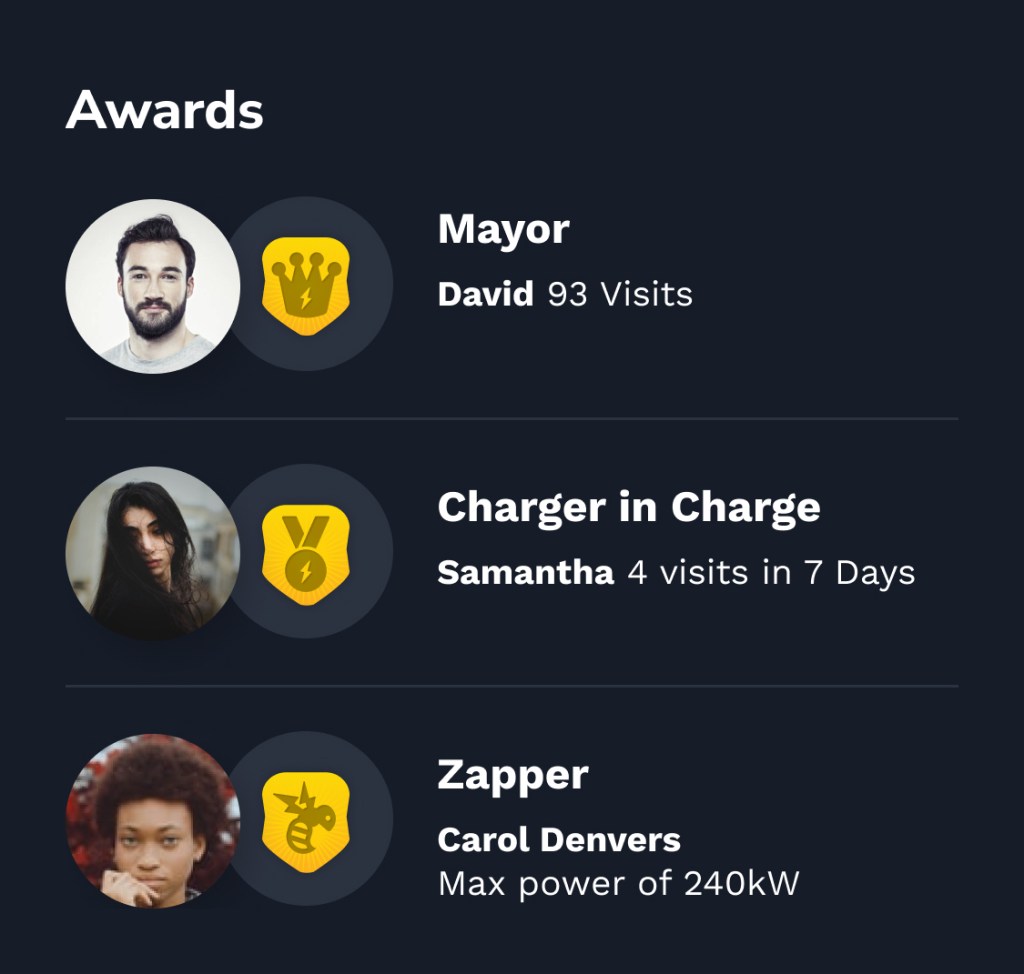
To add a little fun to your trip, we’ve introduced awards for each Supercharger:
- Mayor: awarded to the top visitor
- Charger in Charge: awarded to the most frequent visitor in 7 days
- Zapper: awarded for reaching the max power
Community reviews
See input from the TezLab community to help you find what you need.
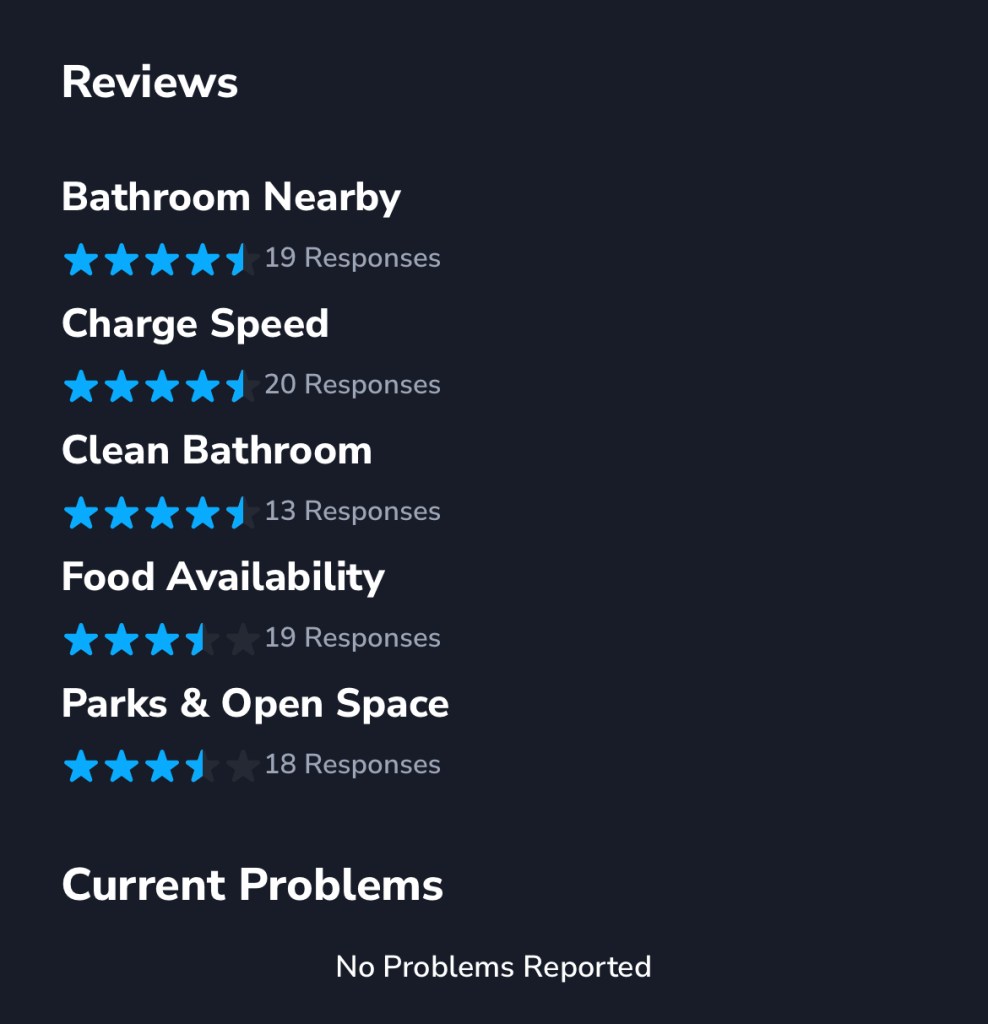
See responses to whether or not there’s a bathroom nearby, how good the charging speed is, whether or not the bathroom is clean, the rating of food availability nearby, and experience with parks and open space.
You can also see any specific current problems reported at that Supercharger.
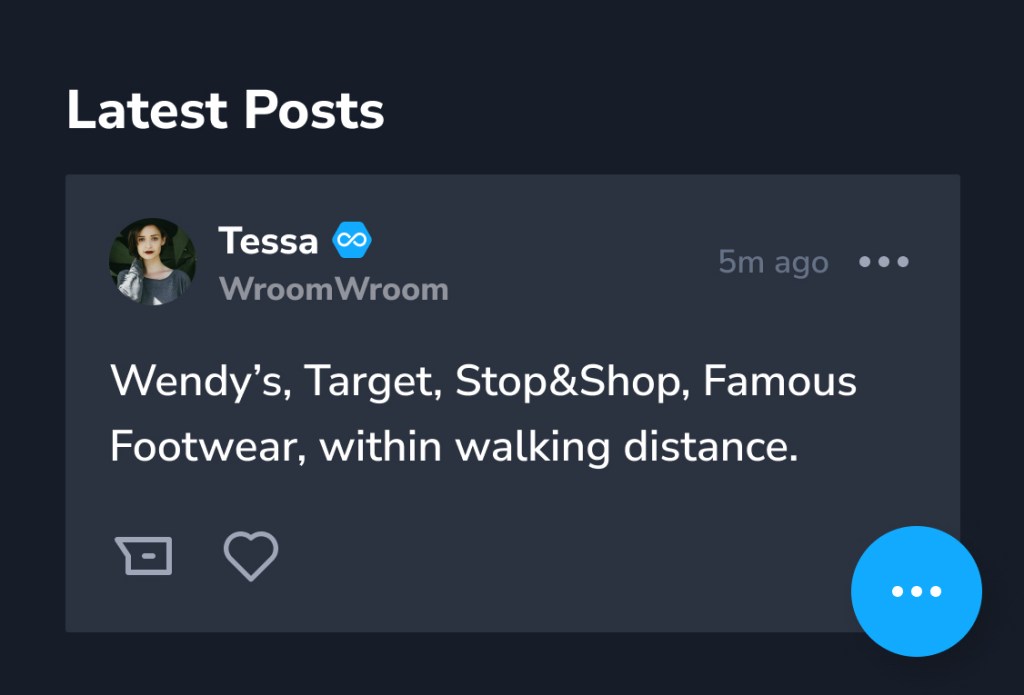
You can also scroll through the latest posts from the community.
Find tips and warnings from the TezLab community that will help you find the perfect Supercharger.
To add your own review, click on the blue circle with three white dots in the bottom right corner. From there, create a Zap video review, post a comment, or share a problem with the Supercharger.
Happy driving!
Download TezLab, and subscribe to TezLab Pro for full access to Pro features, including the real world Range Rings in the Supercharger map.
 Tezlab Blog
Leave a comment