
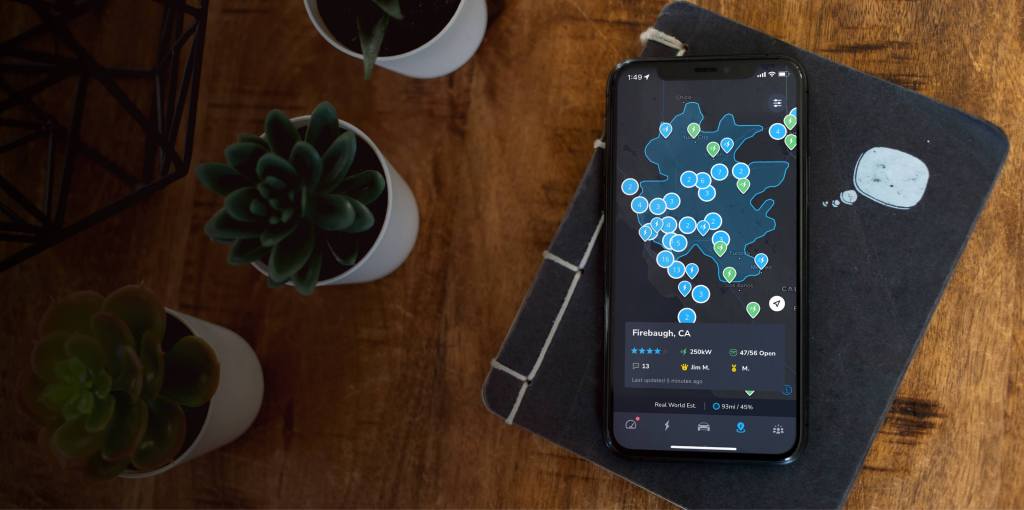
Plan your next trip with our best in class Supercharger map. The TezLab supercharger map is available both in the mobile app, and now for public use! Check out the public Supercharger map online.
Use the Supercharger map to assist in choosing your perfect route. Access detailed information about the charger such as popular times and charge speed, a leaderboard of awards, and community reviews.
Map overview
Navigating to the map
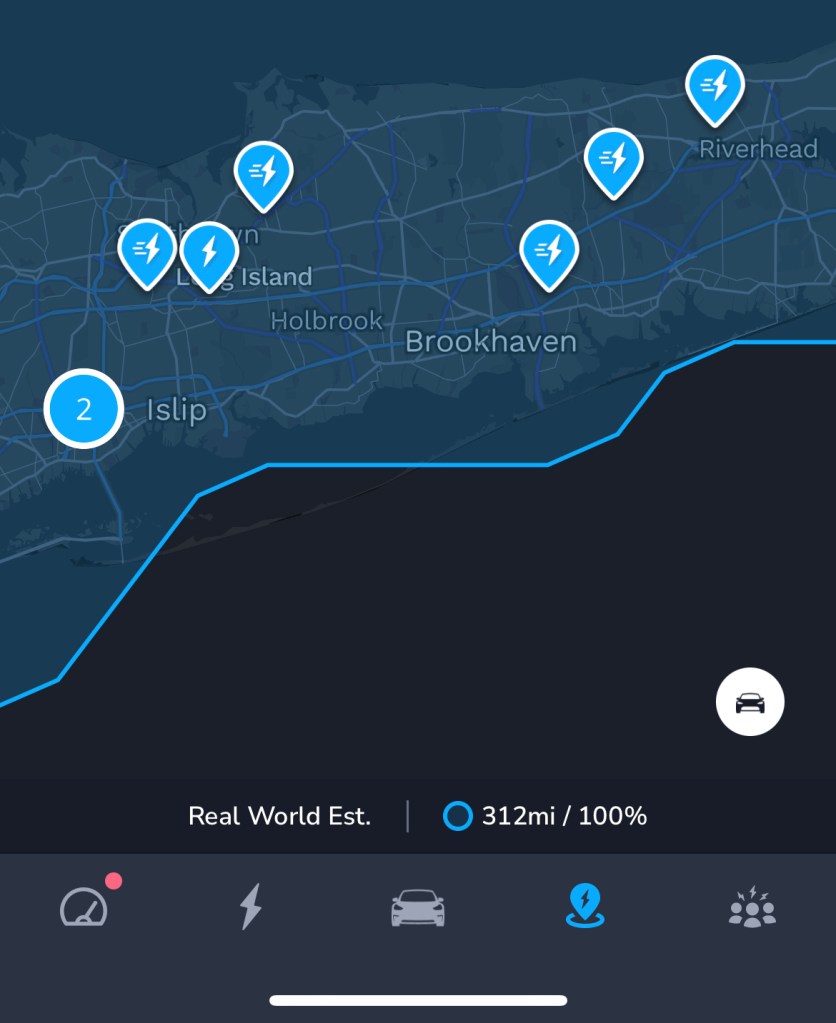
To access the mobile app Supercharger map, first open the TezLab app (download here).
Next, go to the fourth tab along the bottom of the screen. It has a location pin icon with a charging symbol.
There you’ll find your personal charger map based on your vehicle’s location and real time range.
Or check out the public Supercharger map online here.
Range Rings
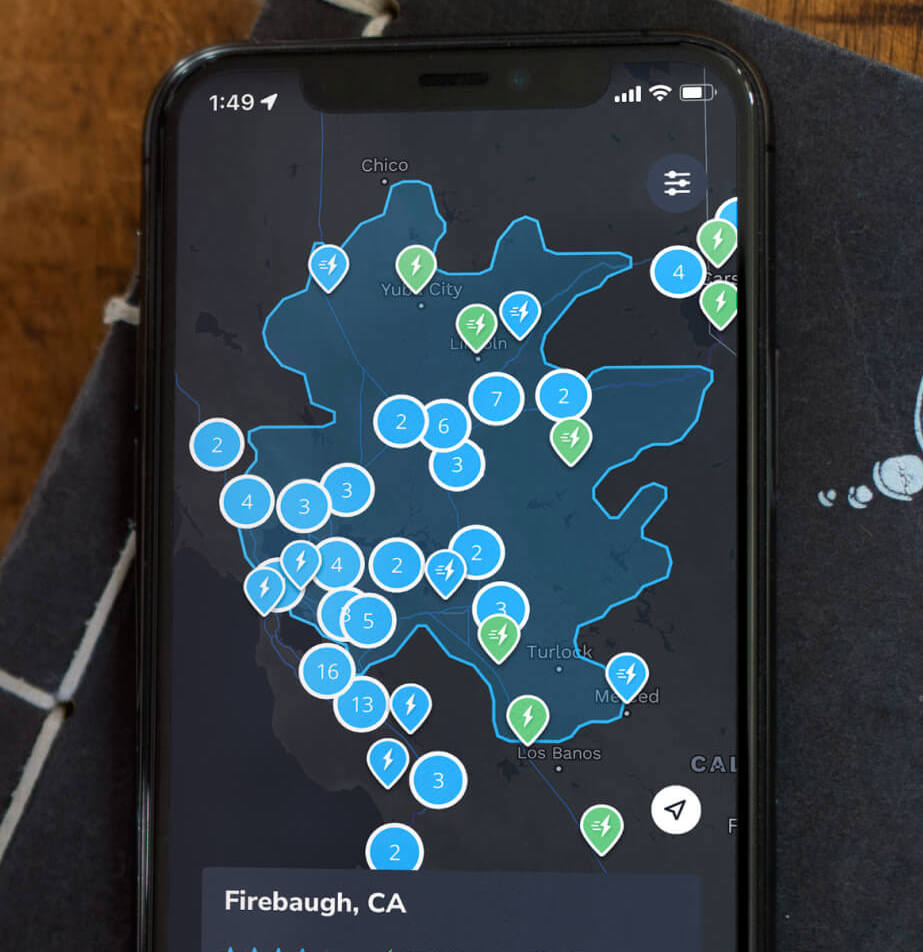
With your personalized range map, you can explore chargers to use during your trip.
The blue highlighted area marks your Range Ring, or the area when you can drive based on your vehicle’s current range.
You can set your rings to adjust based on either real world estimated range or rated range (how the car is rated to perform).
Note: Range Rings and other Pro features are only available for TezLab Pro subscribers.
Types of chargers
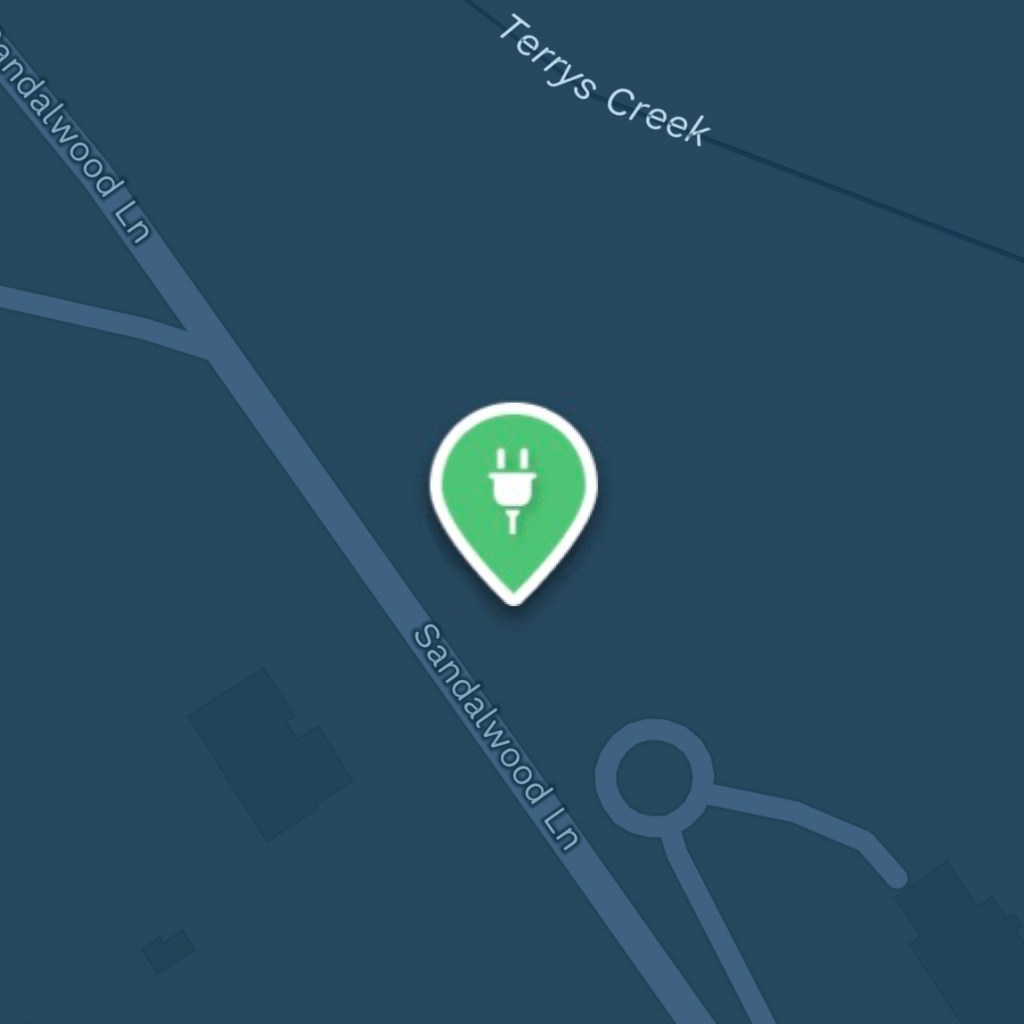
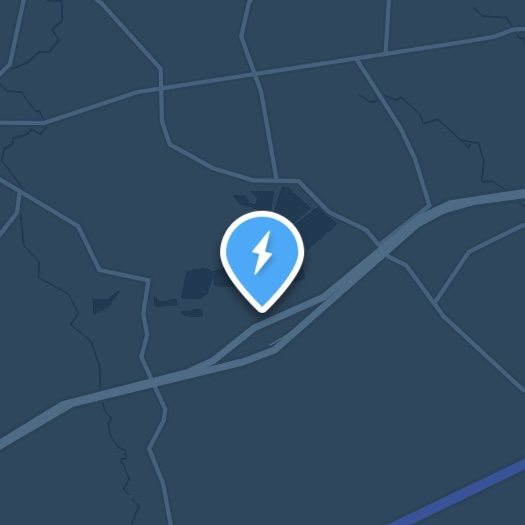
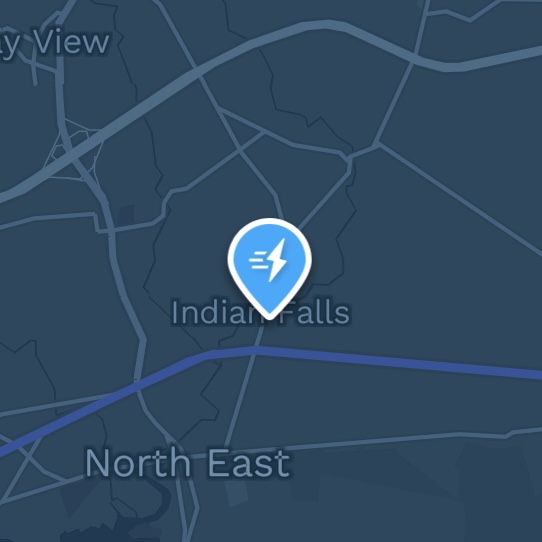
There are three types of charger icons you might see.
The green icons are non-Superchargers, while the blue icons are Superchargers:
Map options
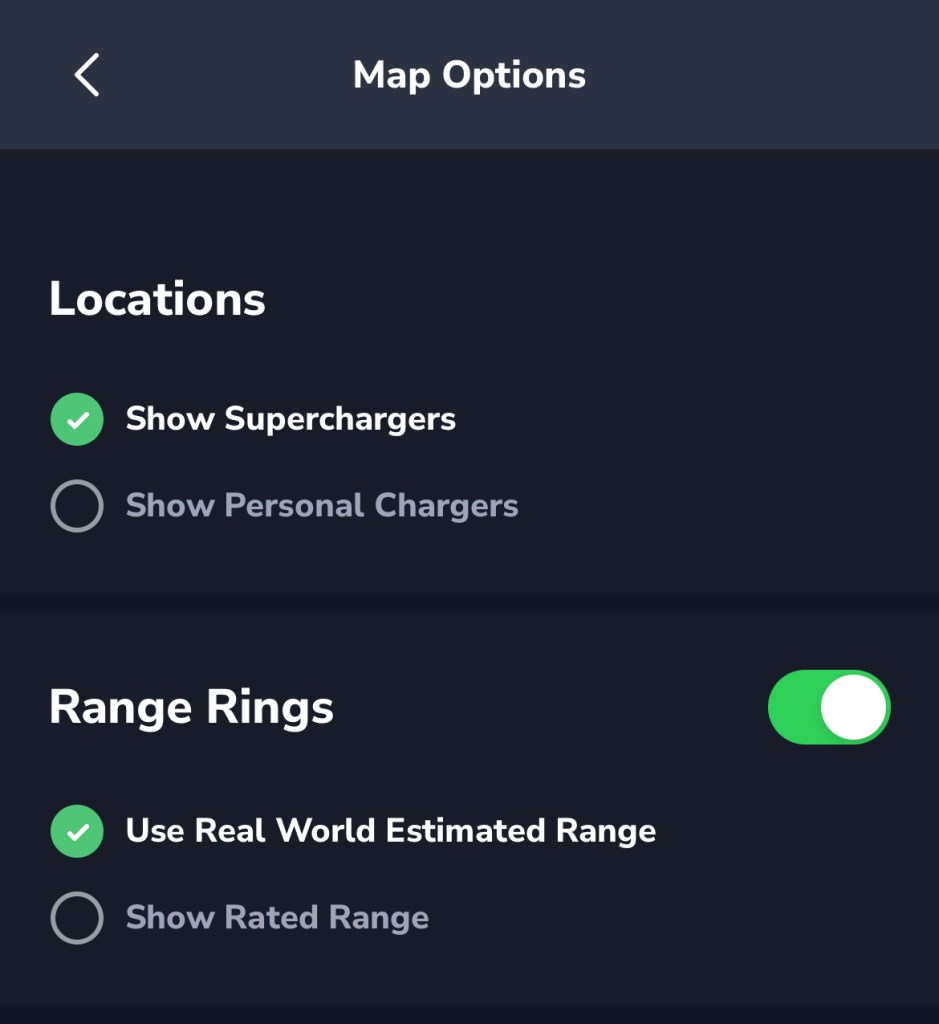
To customize your map experience, click on the small filter icon in the top right area of the map.
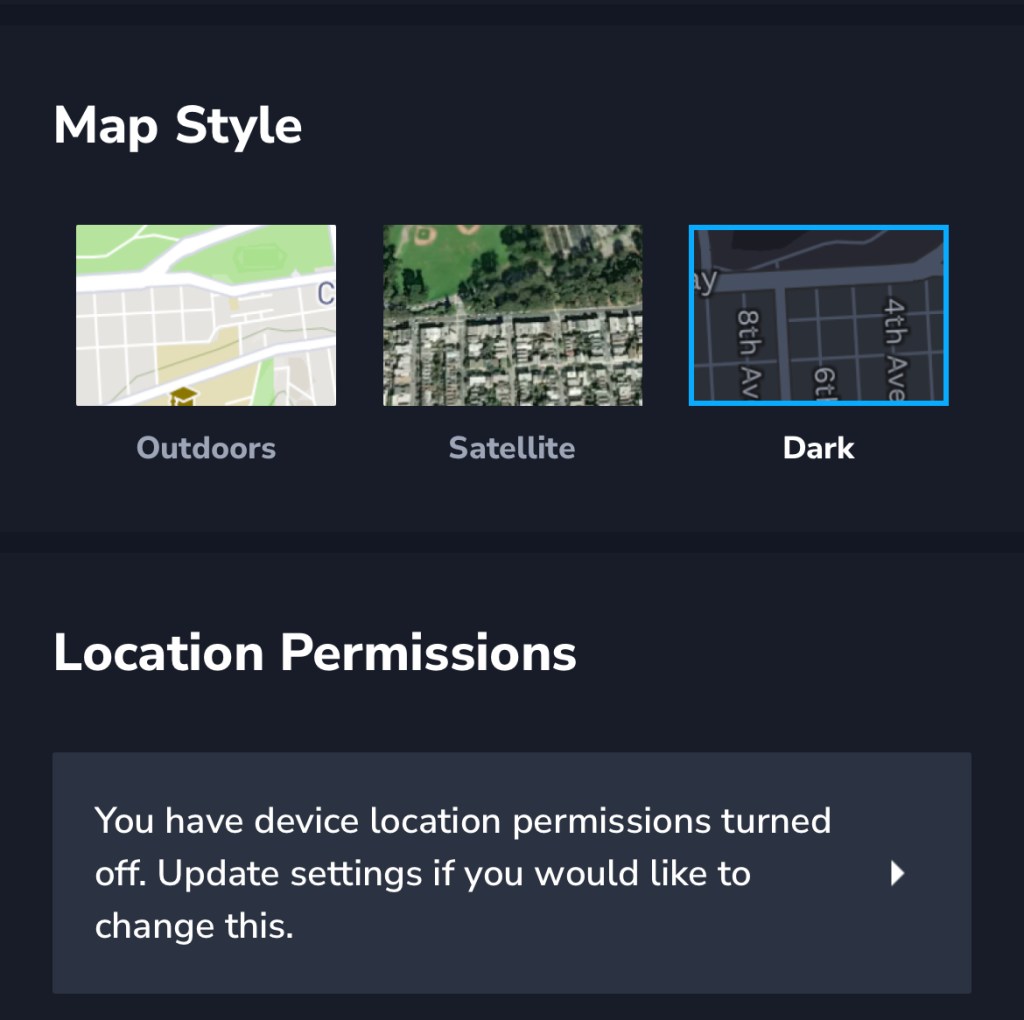
From there you can adjust map settings, including which types of chargers are shown, Range Rings visibility and calculation, and map style.
Locations and range rings
Map style and location
Charger details
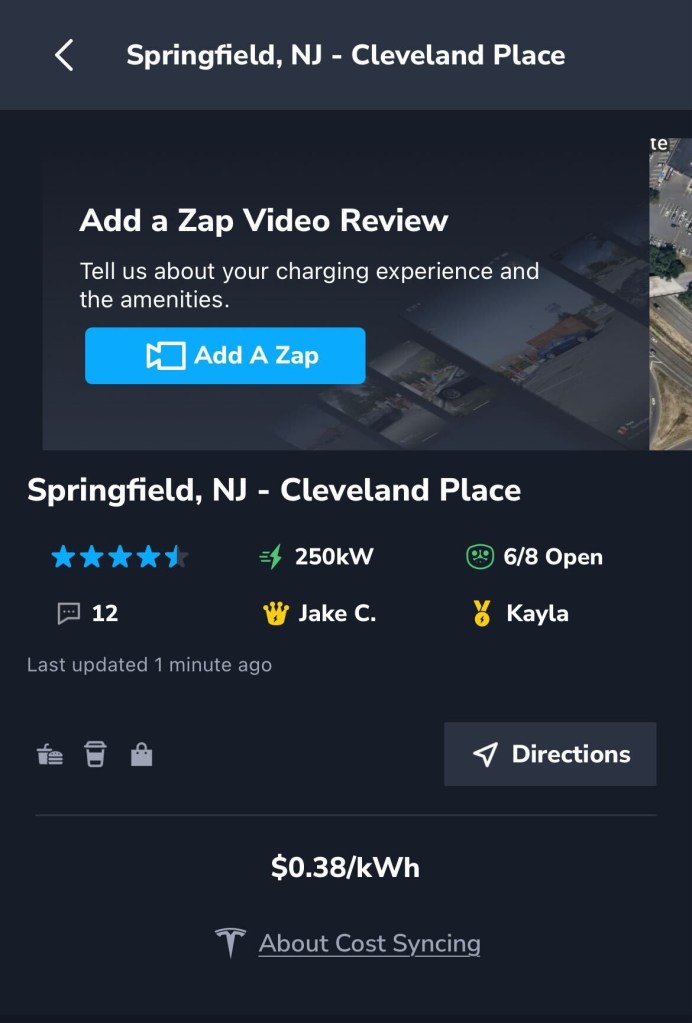
When you click into a Supercharger, you’ll find leaderboards, detailed information on the charger such as charging speed and open spots, and community reviews.
Look out for our next post diving into community reviews, including food availability, whether or not there’s a bathroom nearby, and parks & open space.
Happy driving!
Download TezLab, and subscribe to TezLab Pro for full access to Pro features, including Range Rings.
 Tezlab Blog
Leave a comment