
Feature Tour
-
Control your EV from your Apple Watch
In: Feature Tour
If you have an Apple Watch, you’re probably already familiar with the freedom of not needing to carry your phone at all times. Now you can use your watch for easy access to your Tesla. With fast controls, convenient charging info, and other improvements to the TezLab app on Apple Watch, it’s a no brainer…
-
How Much Range Have You Regenerated from Driving?
In: Feature Tour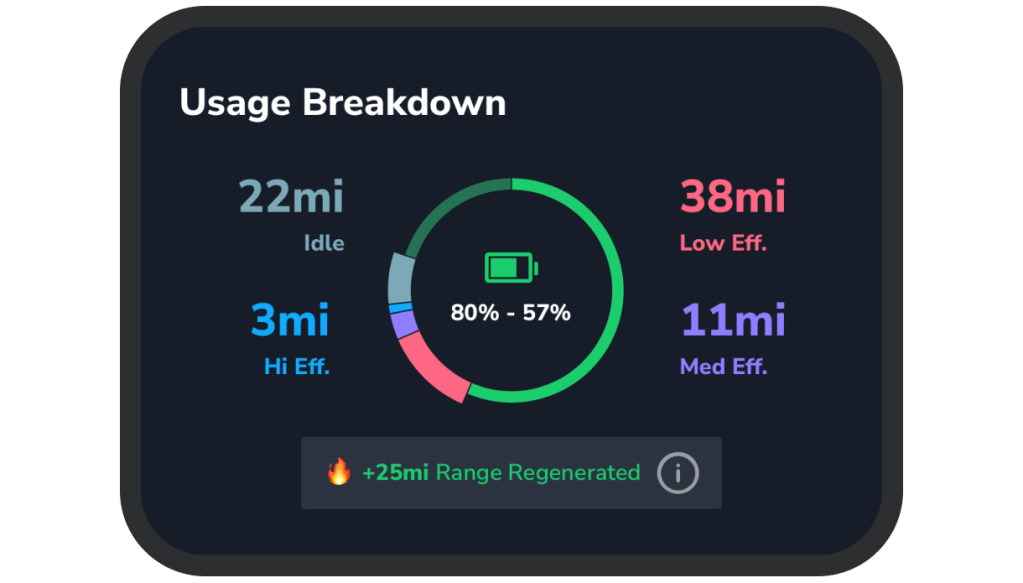
As you drive your electric vehicle, your car uses regenerative braking, or regen, to slow down and capture kinetic energy to either use immediately or store back in the battery. Find out the range you’ve regenerated (in miles) from your recent drives by looking at your usage report in TezLab. Find your range regenerated How…
-
Earn Badges by Using Your EV
In: Feature Tour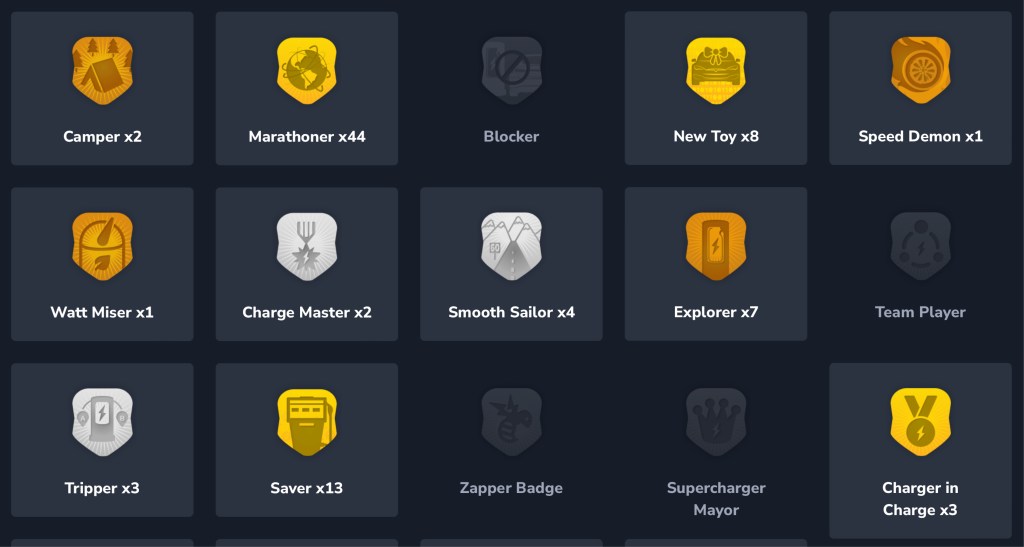
Earn badges for all the ways your driving habits are exceptional, from driving over 100 miles at better than 75% efficiency to visiting a Supercharger for the first time. In TezLab, you can earn these medals of achievement by using and charging your electric vehicle. How many can you collect? Find your badges See all…
-
Your Carbon Impact Report
In: Feature Tour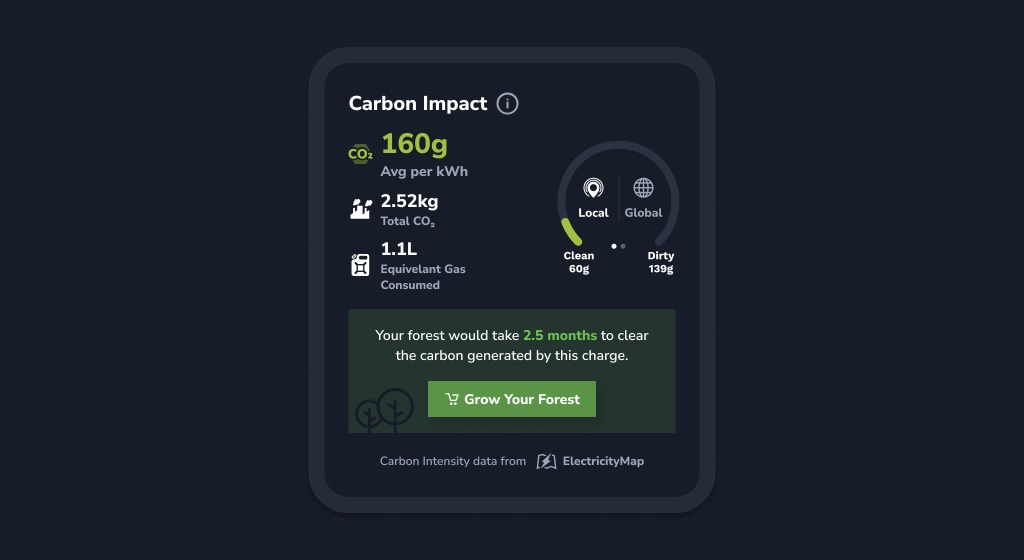
Understand the carbon impact of the electricity you use to charge your electric vehicle. While your EV may not rely on fossil fuels at the gas pump, you’re still likely contributing to CO₂ emissions when you charge. Find your report Find details of recent charges CO₂ is often released during the electricity production process, which…
-
Find Top Superchargers Based on Real Recent Charges
In: Feature Tour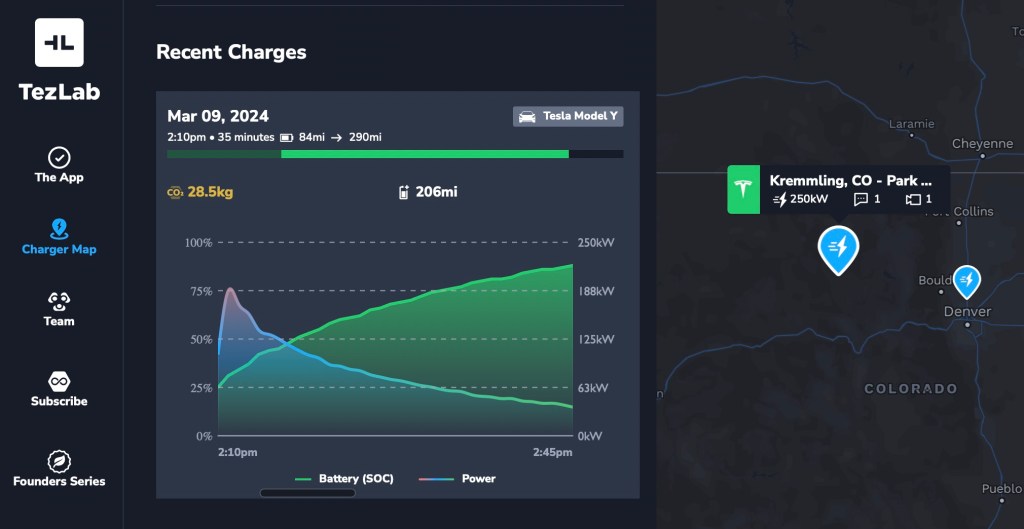
Looking for the best Supercharger for your trip? Use real anonymized recent charges to help you choose the best charger. Maximize your time, and make the most out of your charge stop. How to access recent charges From there, you can swipe through the most recent anonymized charges to get a sense of how well…
-
Find Chargers Open to Non-Teslas on the Supercharger Map
In: Feature Tour
Our best in class Supercharger map just got even better! You can now filter by chargers open to non-Teslas, while also enjoying speedier performance and enhanced data. Check out TezLab’s public Supercharger map to plan your adventure and find the perfect charger for your trip. How to use the filter To use the chargers open…
-
You vs. Other EV Drivers in Your Area
In: Feature Tour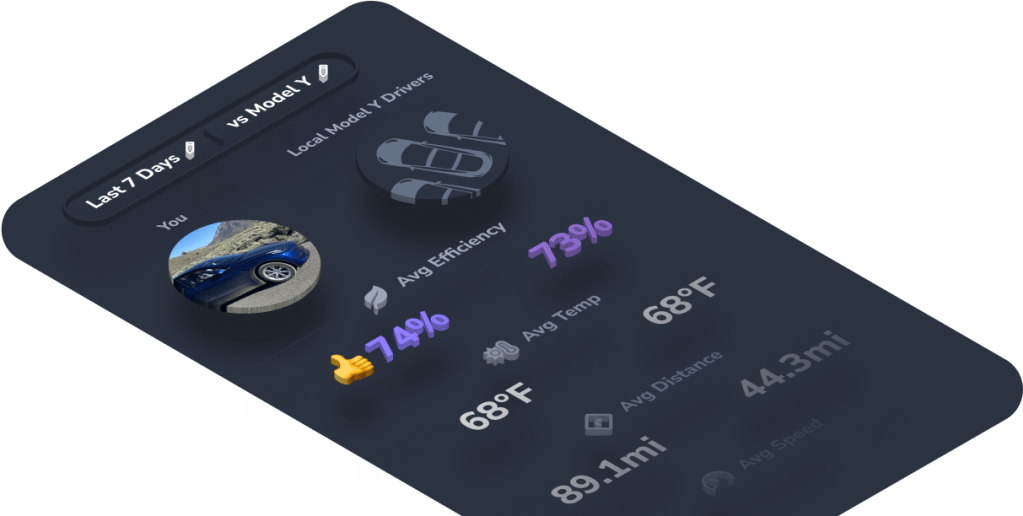
Compare your driving stats to the averages of other drivers in your area to better understand your usage. See how your average efficiency, speed, distance, and more stack up against local drivers. Can you beat the competition? Find your comparison stats To access your comparison metrics: Change your comparison timeline Toggle between the last 7…
-
Your EV Usage Report
In: Feature Tour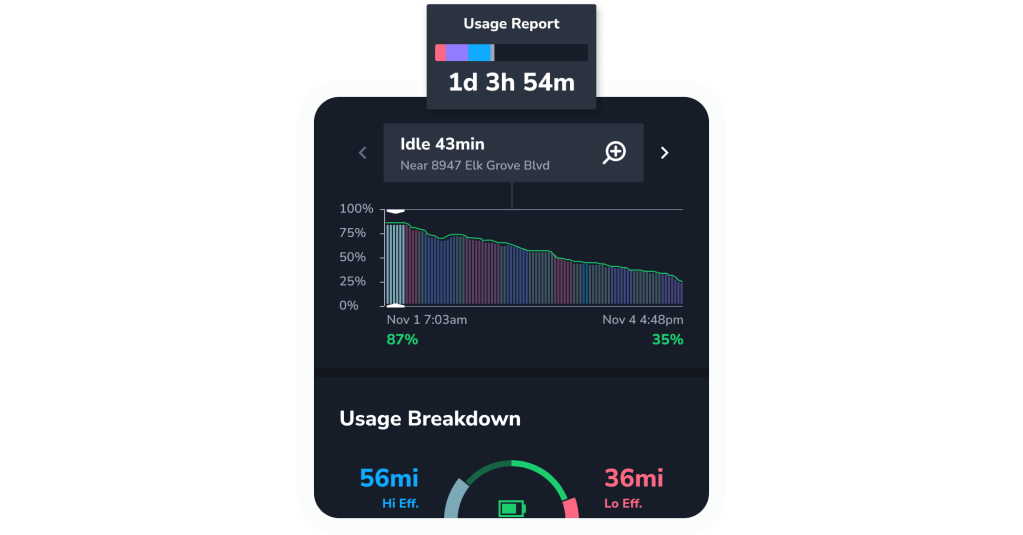
Get your own color-coded breakdown of how you use your electric vehicle, including your battery level, idle time, and efficiency stats. How to find your usage report Explore your comprehensive report Battery level See how many miles you’ve driven and how your battery has performed over the time period shown on your report. Your drives…
-
Your EV Savings on Gas and Charge Costs
In: Feature Tour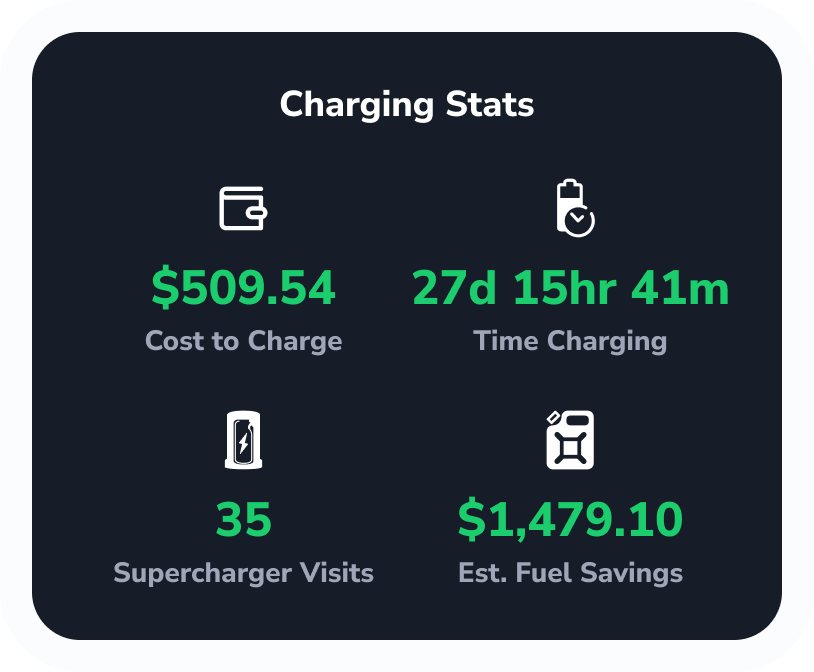
Track your costs and savings in TezLab to learn how much money you’ve saved on gas by driving an electric vehicle, and how much you’ve spent on charging. Keep tabs on your overall savings, and track costs by each charger you use. Understand your costs at any Supercharger, as well as with your at-home charging…
-
Groups for EV Drivers
In: Feature Tour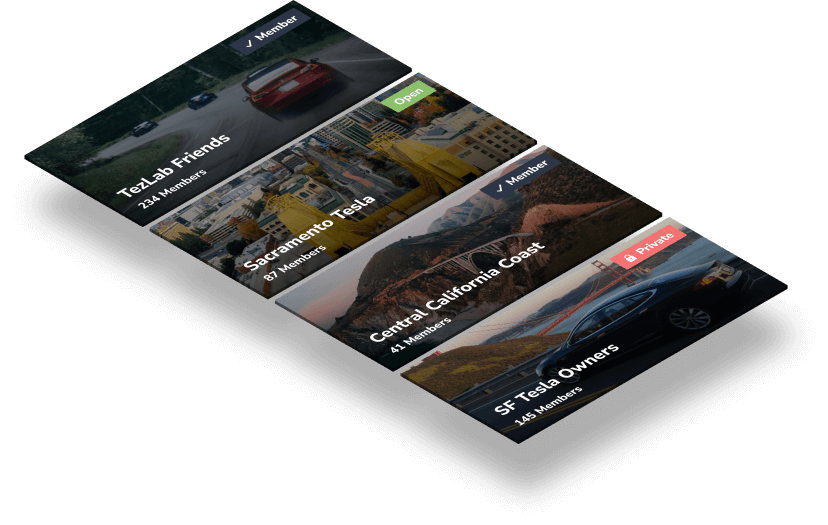
Join groups to engage with others who are embracing the EV lifestyle. Find groups to join You can search for specific groups, explore suggested groups, or start your own! 1. Download or open TezLab 2. Navigate to the last tab on the bottom of your screen 3. Select “Groups” in the top right corner What you’ll see…
 Tezlab Blog