

If you have an Apple Watch, you’re probably already familiar with the freedom of not needing to carry your phone at all times.
Now you can use your watch for easy access to your Tesla.
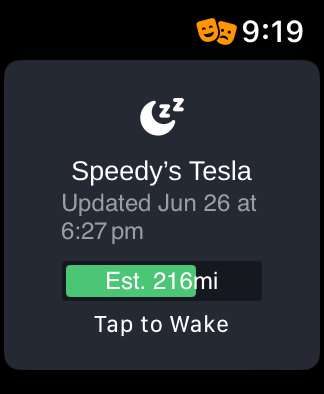
With fast controls, convenient charging info, and other improvements to the TezLab app on Apple Watch, it’s a no brainer for you and your EV.
Have complete control of your car from your wrist. TezLab Watch is epic.
Set up TezLab Watch in 15 seconds
To use TezLab Watch:
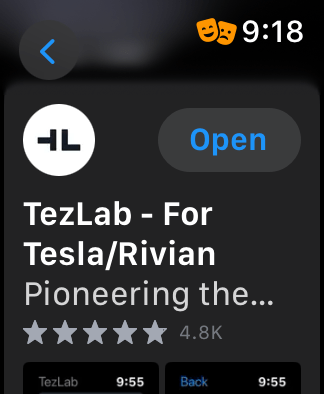
- Open the App Store on your Apple Watch
- Download the TezLab app
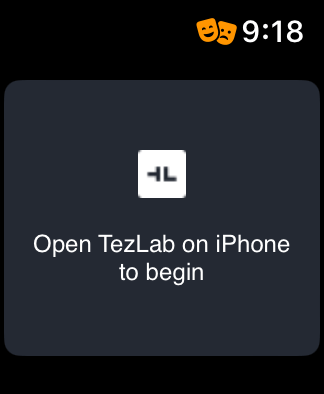
- Open TezLab on your phone to complete set-up
Then you can start using TezLab Watch for your EV!
Want more?
Check out our post “Follow Your Live Driving Stats” for more insights into your driving habits.
Happy driving, and stay tuned for more.
Download TezLab here, and subscribe to TezLab Pro for full access to features.
 Tezlab Blog
Leave a comment