
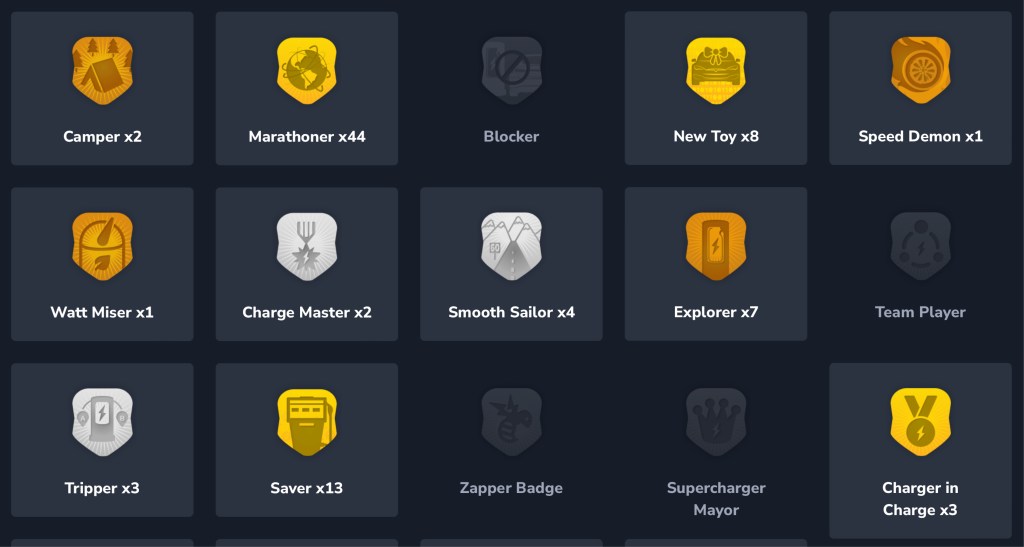
Earn badges for all the ways your driving habits are exceptional, from driving over 100 miles at better than 75% efficiency to visiting a Supercharger for the first time.
In TezLab, you can earn these medals of achievement by using and charging your electric vehicle. How many can you collect?
Find your badges
- Download or open the TezLab app
- Scroll down on the home page to “Latest Badge”
- Click on the widget to see all your badges
See all your badges
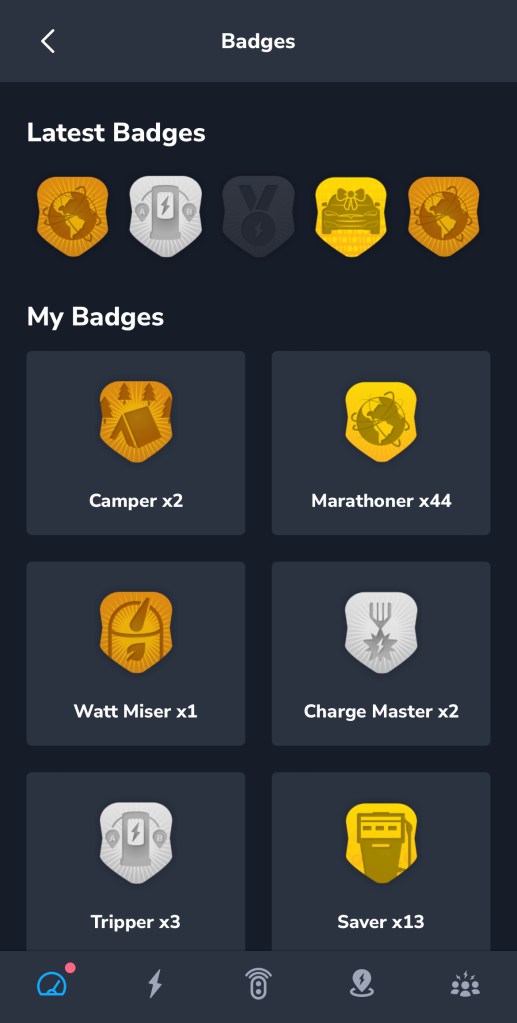
Check out your latest badges, see the level of badges you earned, and learn what each one means.
Tap on any badge icon to dive deeper into that award’s details. You earned it!
Latest Badges
See which badges you scored most recently.
If a badge is “grayed out” that means that you don’t (or no longer) hold that badge. For example, “Charger in Charge” may be grayed out if you did not visit a particular charger in the last week.
My Badges
See all your badges, neatly displayed.
The highest level earned will show as the badge color:
- Gold
- Silver
- Bronze
- Grayed Out (lost or yet to be earned)
Here are just a few of the badges that you can earn in TezLab:
- Camper: hanging out in your EV for over an hour
- Marathoner: drive 100, 200, or 300 miles in a day
- Supercharger Mayor: highest number of checkins at a public Supercharger
Want more ways to game your ride?
Check out other ways to use TezLab:
- Share Your Public Profile with friends to compare stats
- See where your efficiency ranks in You vs. Other EV Drivers in Your Area
Happy driving, and stay tuned for more!
Download TezLab here, and subscribe to TezLab Pro for full access to features.
 Tezlab Blog
Leave a comment