
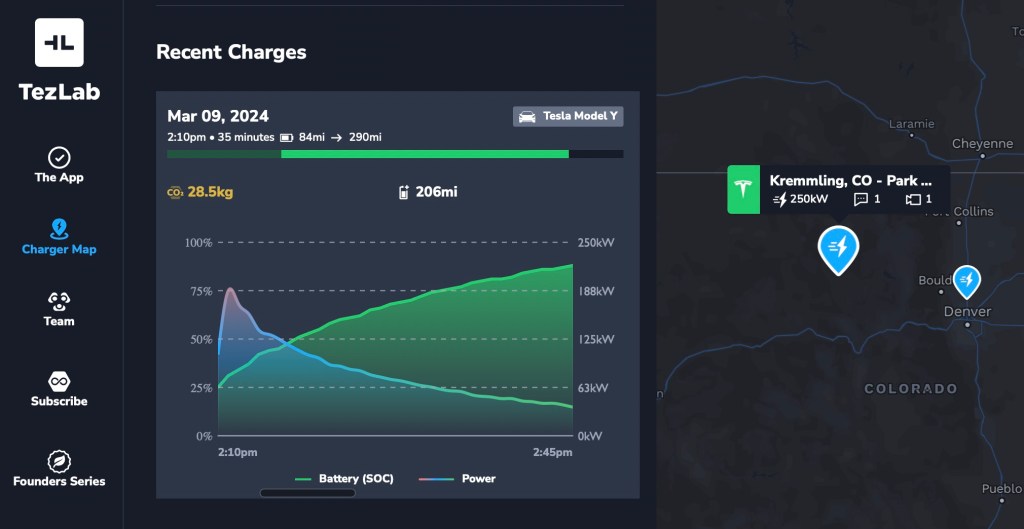
Looking for the best Supercharger for your trip?
Use real anonymized recent charges to help you choose the best charger. Maximize your time, and make the most out of your charge stop.
How to access recent charges
- Visit the TezLab public Supercharger map
- Select a charger or Supercharger
- Scroll down to “Recent Charges”
From there, you can swipe through the most recent anonymized charges to get a sense of how well the Supercharger actually works.
Find details of recent charges
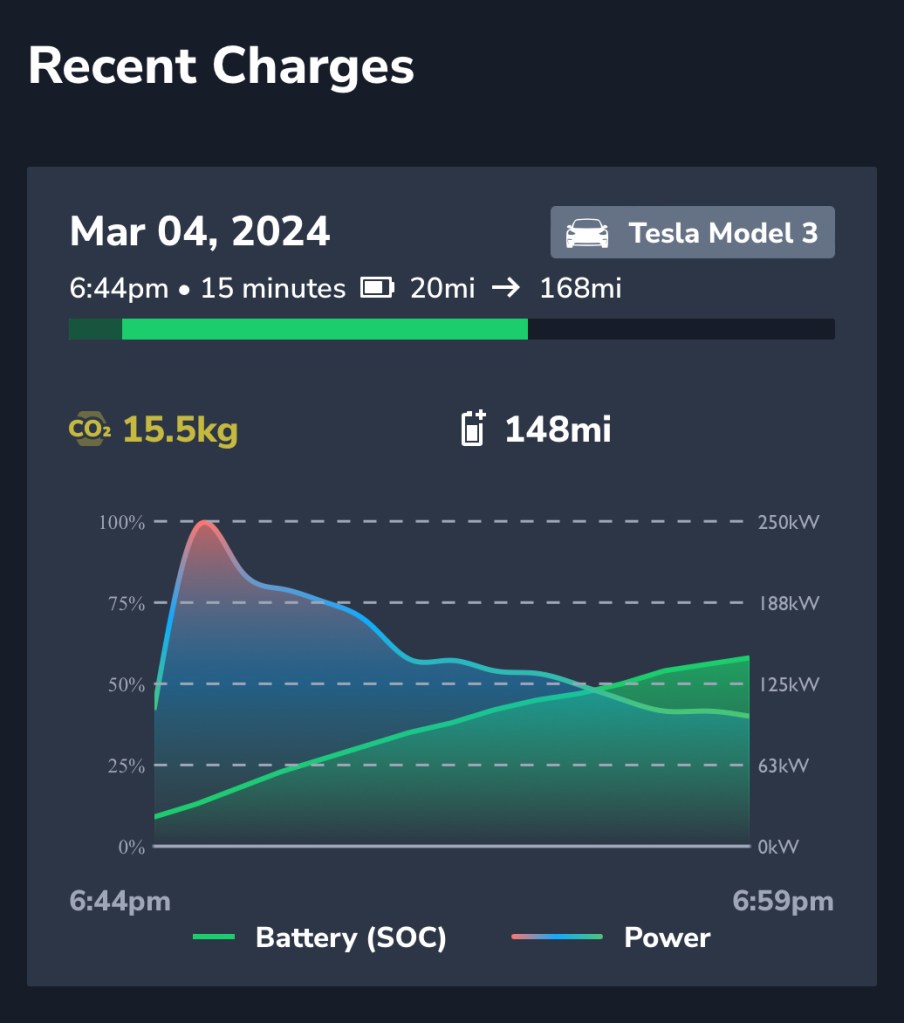
Learn how the charger truly performs by analyzing details including:
- date and time of charge
- duration of charge
- starting range and ending range
- type of vehicle
- estimated CO₂ emissions from energy used
- total range added
- continuous battery level (left side of graph)
- continuous kW power used (right side of graph)
Want more?
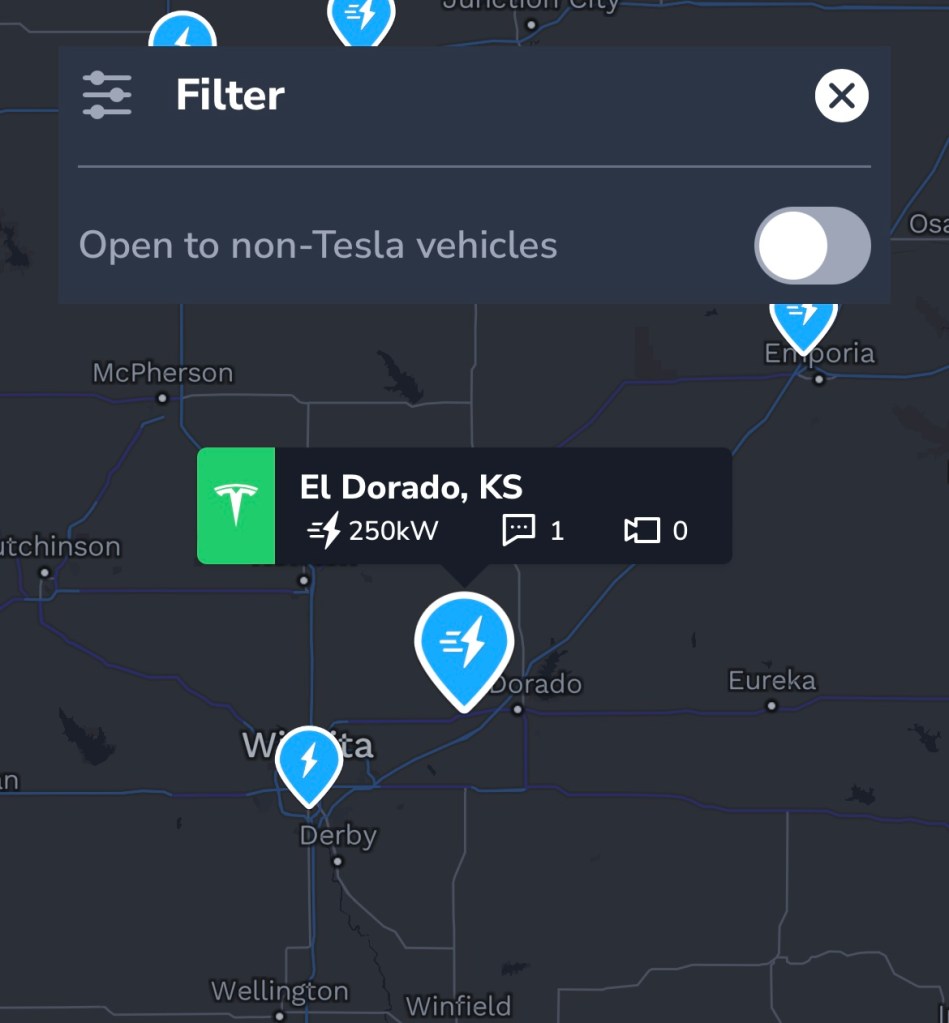
Check out our posts “Plan Your Trip with the Supercharger Map” and “Find Chargers Open to Non-Teslas on the Supercharger Map” for more.
Happy driving!
Download TezLab here, and subscribe to TezLab Pro for full access to features.
 Tezlab Blog
Leave a comment