
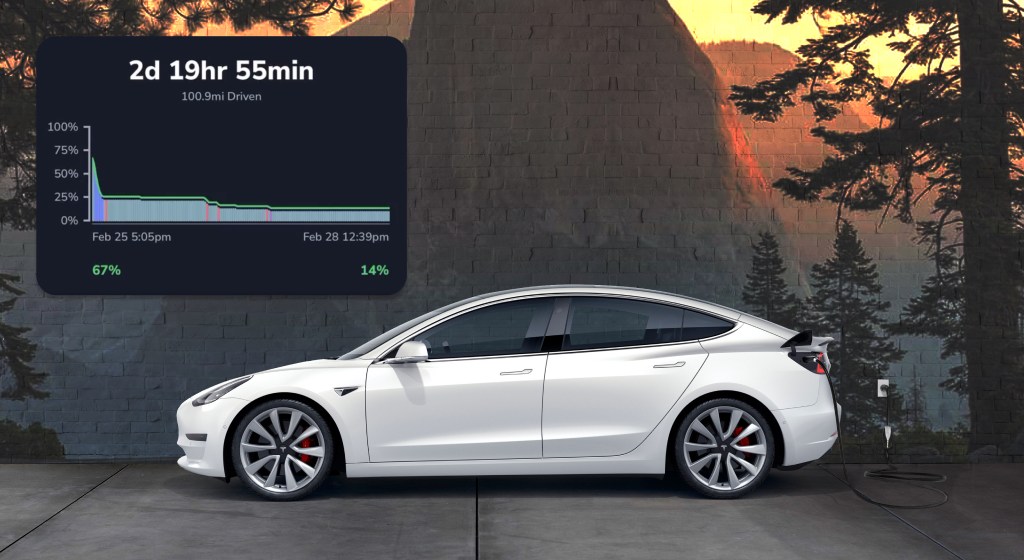
Totally more epic usage reports are live now!
Get insights into trips, charges, idle usage and anything in between. Learn how to get the most from your battery.
To find your usage report:
- Start by opening or downloading TezLab on your phone
- Scroll down the home screen until you see your usage report (Alternatively: click on the second tab on the bottom, and select the map of your recent activity)
- Click on your snapshot to explore the full report
Get a detailed play by play
Battery level insights are now even better.
Tap the “Examine” option in the top right to see exactly how your EV was functioning for each component of your report, or scrub though by dragging your finger along the report.
Click into the “+” icon to expand your view into a breakdown of that particular event.
Want to learn more about usage reports?
Check out our feature tour post on EV usage reports: Your EV Usage Report.
Share your report
At the bottom of your report, you have the option to share your usage report on TezLab by creating a new post.

Happy driving!
Download TezLab here, and subscribe to TezLab Pro for full access to features, including your Pro Usage Report with Detailed Idle Analysis.
 Tezlab Blog
Leave a comment