

Our best in class Supercharger map just got even better!
You can now filter by chargers open to non-Teslas, while also enjoying speedier performance and enhanced data.
Check out TezLab’s public Supercharger map to plan your adventure and find the perfect charger for your trip.
How to use the filter
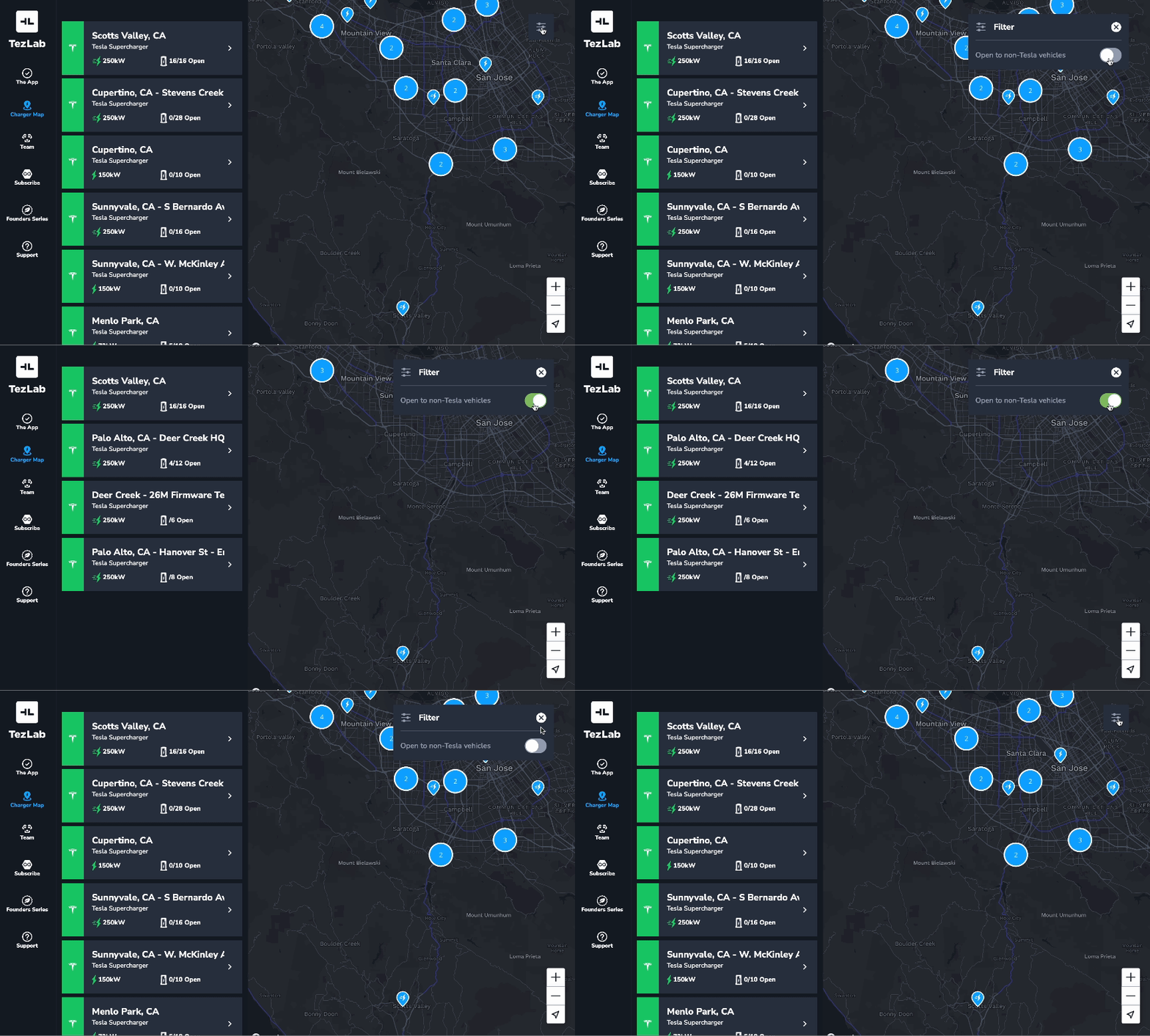
To use the chargers open to non-Tesla vehicle filter:
- Start by opening the public Supercharger map online
- In the top right, select the filters icon to see map options
- Toggle on “Open to non-Tesla vehicles”
Get your real-world estimated range
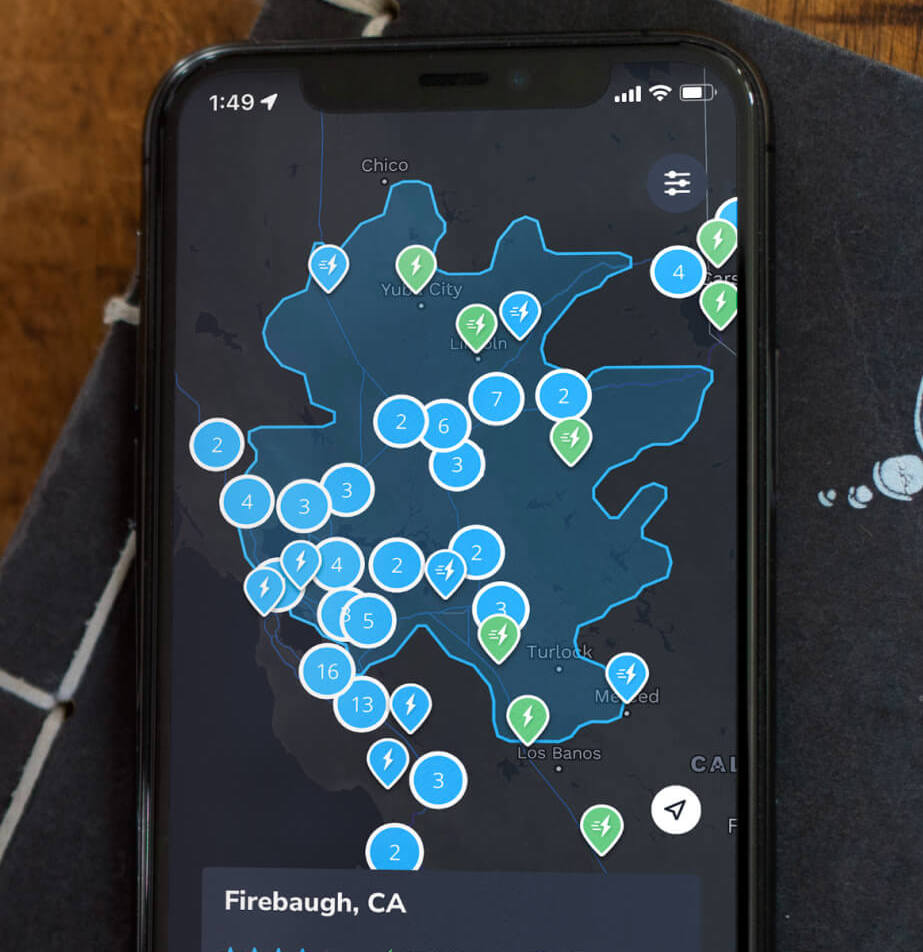
To see chargers you can drive to based on your vehicle’s current range, use the TezLab app for your personalized range map.
The blue highlighted area marks your Range Ring, or the area when you can drive based on your vehicle’s current range.
Set your rings to adjust based on either real world estimated range or rated range (how the car is rated to perform).
Download TezLab, and subscribe to TezLab Pro for full access to Pro features, including real world Range Rings in the Supercharger map.
 Tezlab Blog
Leave a comment