
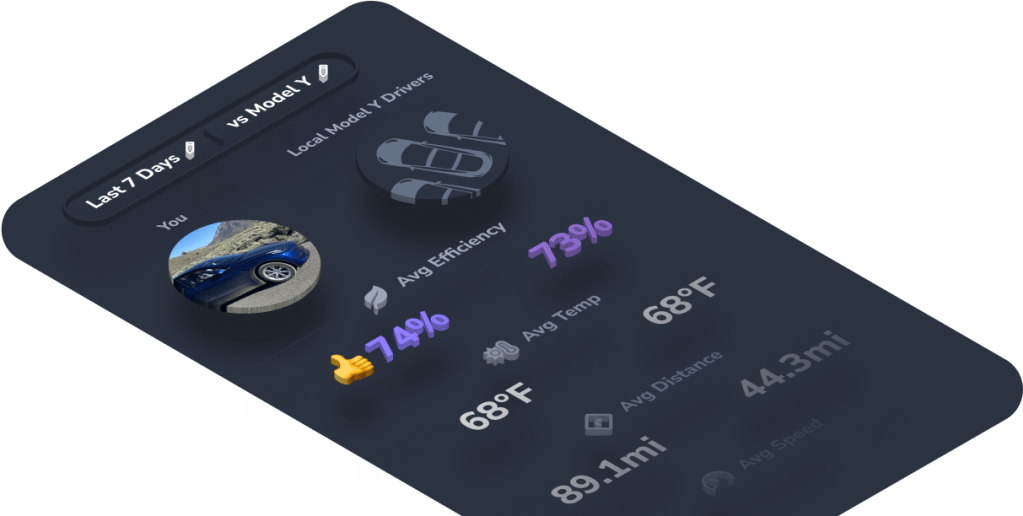
Compare your driving stats to the averages of other drivers in your area to better understand your usage.
See how your average efficiency, speed, distance, and more stack up against local drivers.
Can you beat the competition?
Find your comparison stats
To access your comparison metrics:
- Open or download TezLab on your phone
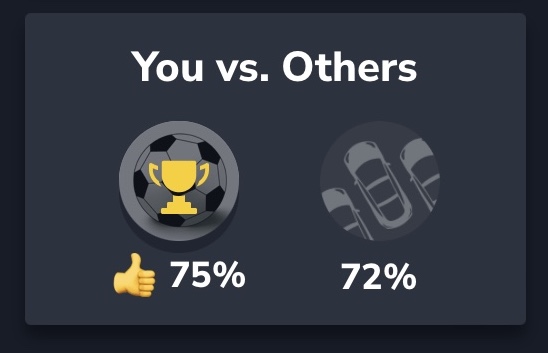
- From the home screen, scroll down to the “You vs. Others” report
- Click on the snapshot to open your stats comparison
Change your comparison timeline

Toggle between the last 7 days and the last 30 days to understand how your comparison metrics may have changed over time.
Compare by vehicle type
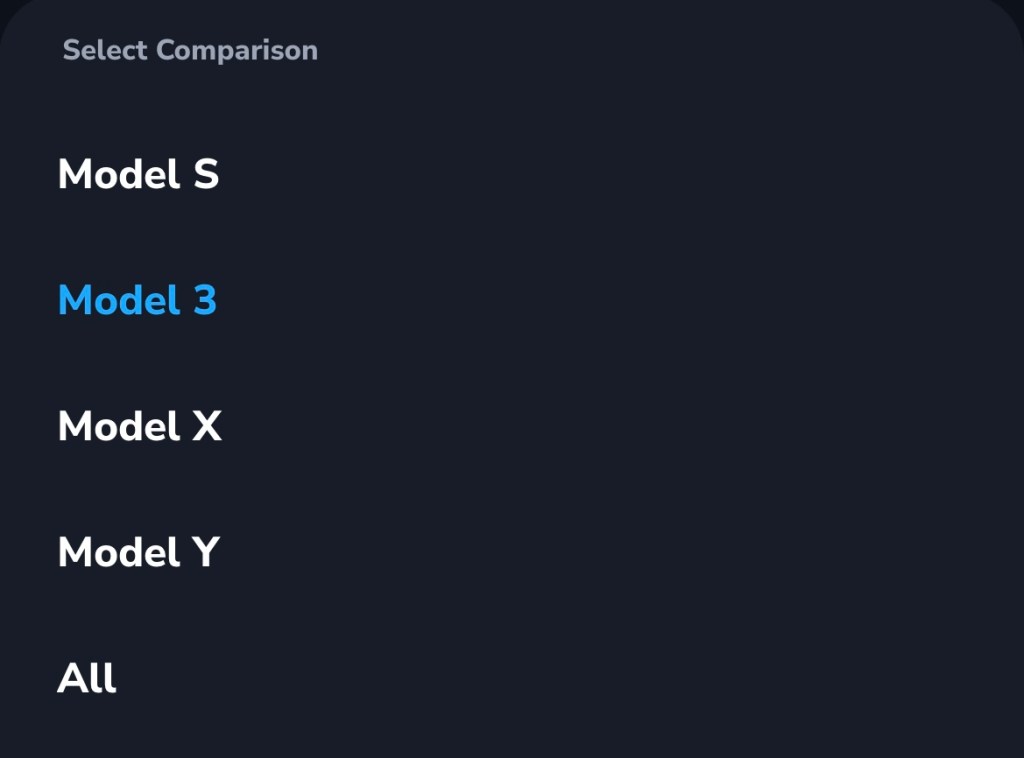
Want to see comparison metrics by vehicle type?
Select specific vehicle models to compare your stats against for an even more precise analysis.
Analyze your metrics vs. others
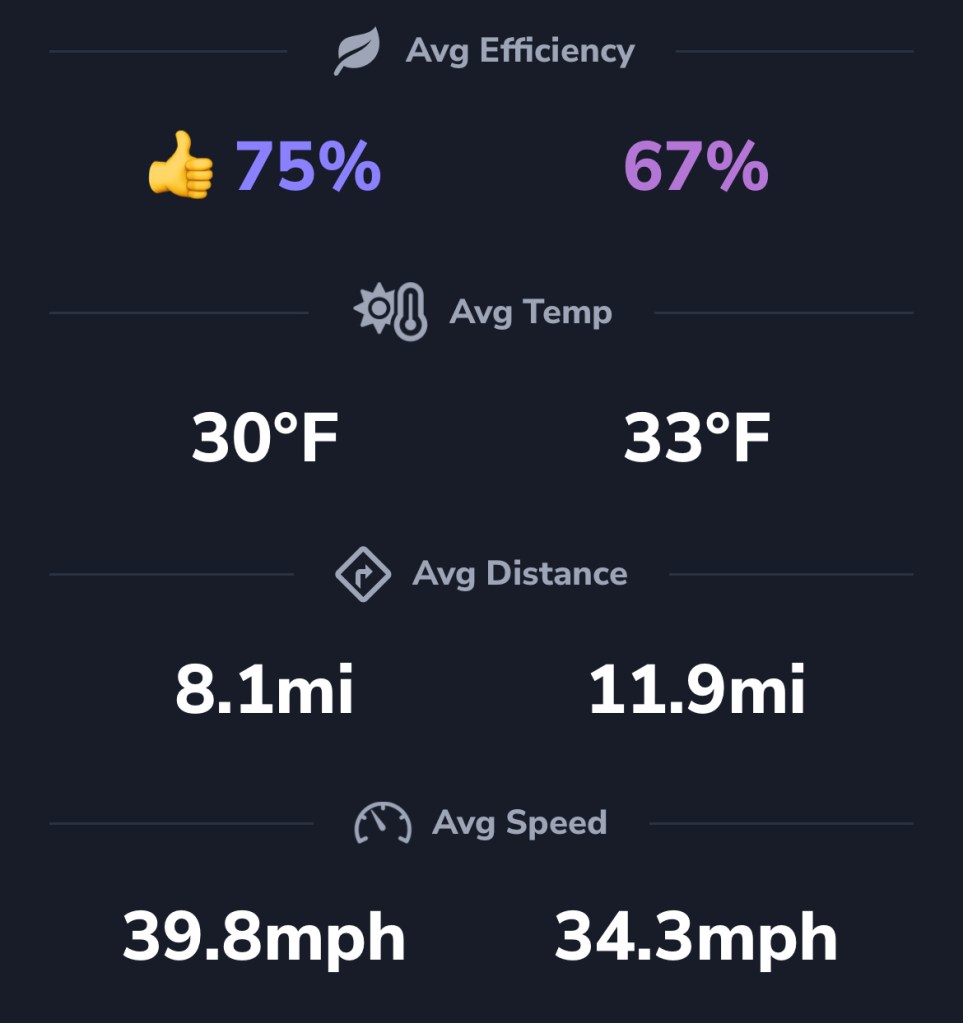
See how your stats stack up against others in your area, including:
- average efficiency
- average temperature
- average distance per drive
- average speed
If your average efficiency score is higher than the average efficiency of drivers in your area, you’re in the lead!
Learn how to boost your efficiency score

Check out our dedicated blog post on how to improve your driving efficiency vs. others.
Happy driving!
Download TezLab here, and subscribe to TezLab Pro for full access to features.
 Tezlab Blog
Leave a comment