
Track your costs and savings in TezLab to learn how much money you’ve saved on gas by driving an electric vehicle, and how much you’ve spent on charging.
Keep tabs on your overall savings, and track costs by each charger you use. Understand your costs at any Supercharger, as well as with your at-home charging setup.
How much you’ve saved in total
To find your estimated fuel savings, start by opening or downloading TezLab on your phone.
From the home screen, click on your profile icon in the top left corner to access your profile. Scroll down to see your estimated fuel savings over time.
Want to see more detailed stats? Click the “View Stats” button.
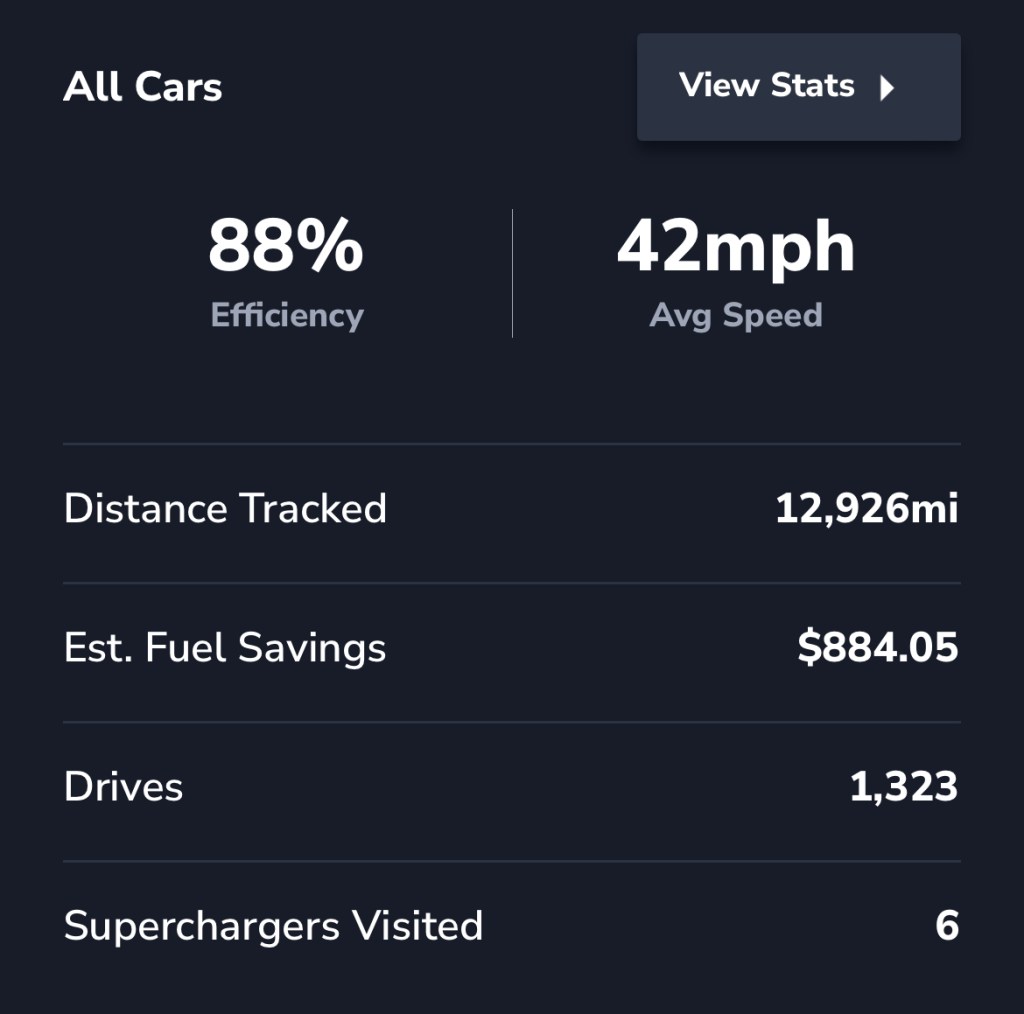
At the bottom of your stats summary, you’ll find your charging stats all in one place, including:
- cost to charge
- time charging
- Supercharger visits
- estimated fuel savings
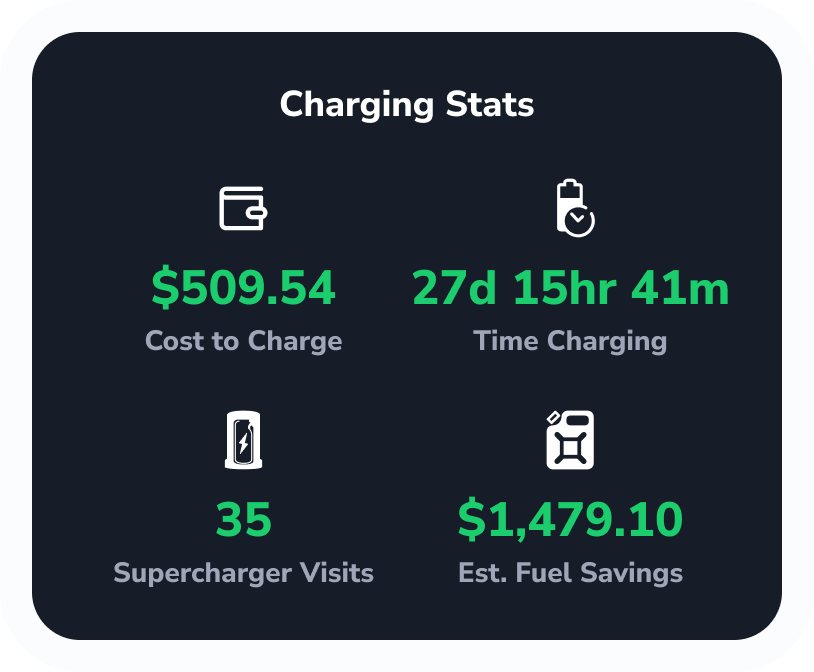
Note that your estimated fuel savings in TezLab are calculated from the time of account connection with TezLab.
Track the cost of charging at any charger

To find a charger from your recent charges:
- Open or download TezLab
- Navigate to the second tab on the bottom
- Select a charge report (pro tip: filter to only view “Charges” to view them all)
- In the charge report, click on the charger for more information
You’ll find charging cost per kWh, your number of visits to that charger, and your total charging costs at that charger.
For chargers that don’t have a fixed rate, TezLab is equipped to handle multiple rates throughout the day, as well as provide a rate breakdown for Tesla vs non-Tesla at applicable chargers.
For Supercharger cost syncing, after your charge is completed, TezLab attempts to sync the actual cost billed to you by Tesla.
NOTE: Owner access (not a shared-driver Tesla account) is required to sync Supercharging costs.
Location settings for chargers
For at-home chargers, you can enable cost tracking for select locations in your location settings.
Set a price for the location to calculate charging costs. Set your base price settings using Price/Min, Price/kWh, or per session.
Current charge with cost sync
Looking for more detailed information on your charging costs?
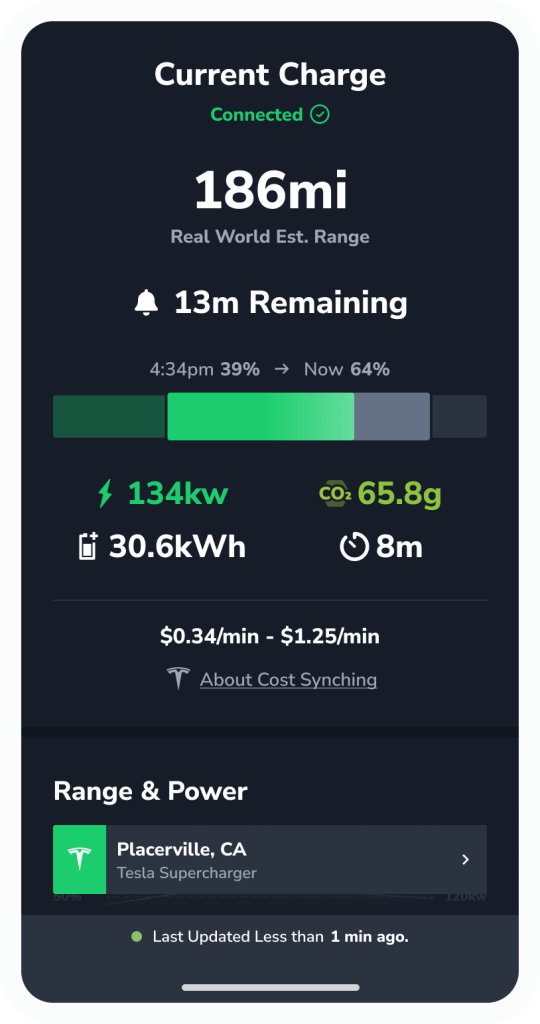
Next time you’re connected to a charger, check out your current charge stats.
In addition to insights on current charge speed, estimated CO₂ emissions, and energy added, you’ll find the estimated cost of your current charge with cost synching.
This information can help you choose which chargers to use and when to plug in, as well as understand how your overall costs are determined.
Learn more about how to track your current charge stats in our post Track Your EV’s Current Charge.
Compare your savings
Want to share your stats with friends to compare savings?
Check out our post on how to Share Your Public Profile to learn how to send your public profile to friends, family, and followers.
Happy driving!
Download TezLab here, and subscribe to TezLab Pro for full access to features.
 Tezlab Blog
Leave a comment