

Stay connected with fellow EV drivers by adding family, friends, and followers on TezLab.
Keep up to date on their stats and posts, and make it easy for them to find your profile with built-in community features for EV drivers around the world.
How to find and add friends

1. Download or open TezLab
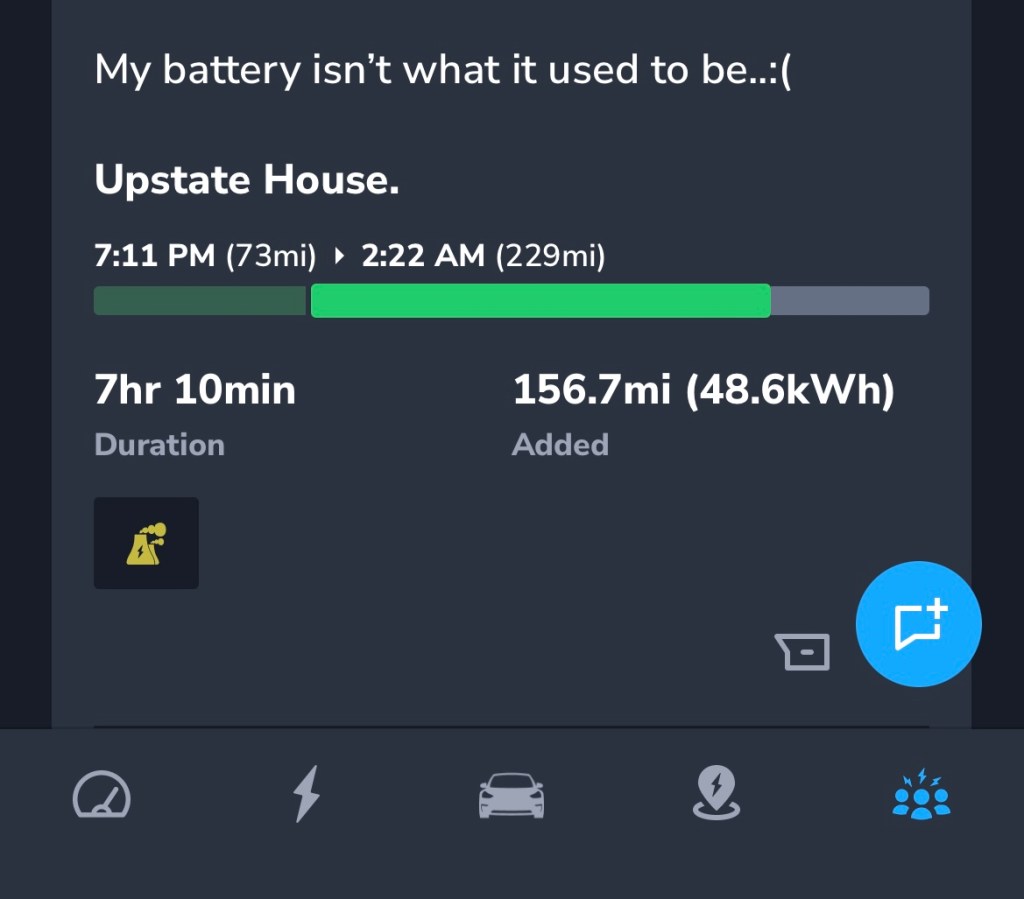
2. Navigate to the last tab on the bottom of your screen
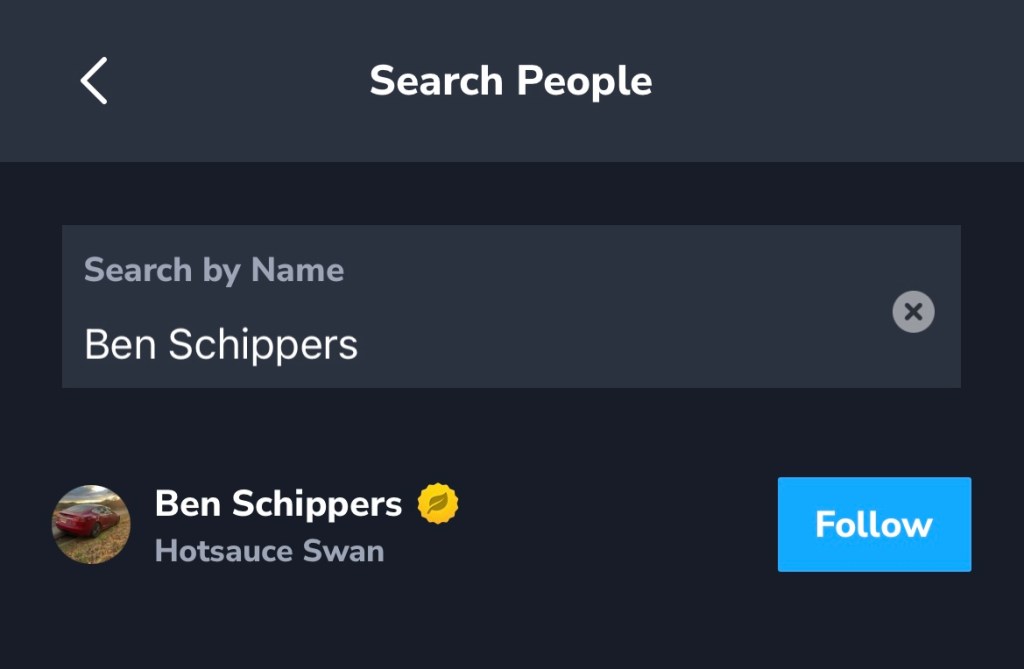
3. From the Timeline view, type in your friend’s name and click the blue “Follow” button
If your friend has Private Profile turned on, their profile details will only be visible to you after they accept your request.
Want to follow other EV drivers with the same interests as you? Check out Groups in TezLab (next to the Timeline view) to find relevant communities.
Make it easy for friends to find you
Make it simple for friends to find you (and bring some personality to your profile!):
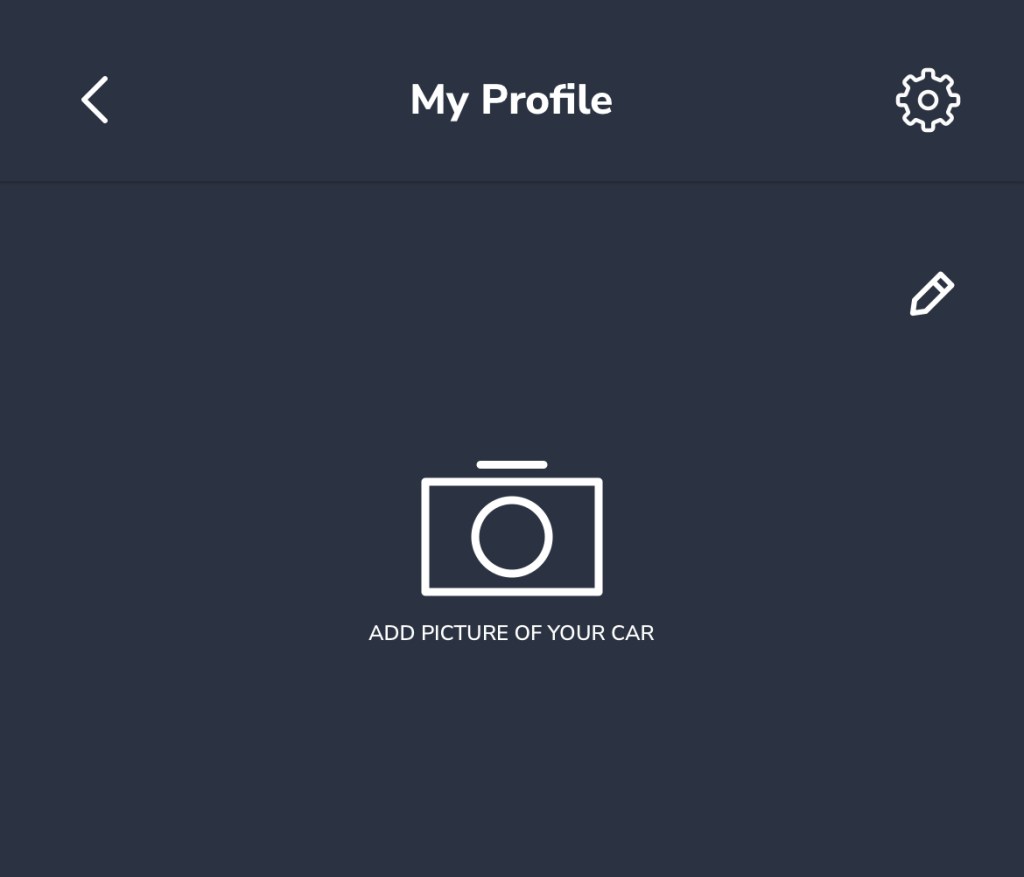
- Add a picture of your electric vehicle
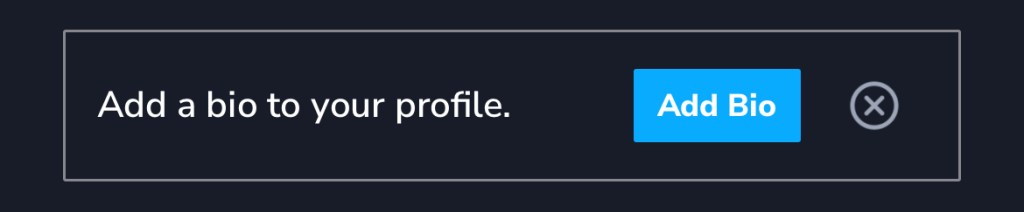
- Write a short bio
- Upload a new avatar (select the gear icon in the top right)
To update your profile, first go to the home screen, then click on the three dots in the top right and select “My Profile,” or click on the circular avatar in the top left corner.

Explore TezLab’s community features
Check out our guides on:
- Community Sharing for EV Owners for creating and sharing posts
- Share Zap Video Reviews of Superchargers to help you plan your trip and make the charging experience better for all
- Share Your Public Profile to send your stats to friends, family, and followers
- Community Reviews in the Supercharger Map to help you choose the best Supercharger for your trip
As always, happy driving!
Download TezLab here, and subscribe to TezLab Pro to unlock access to all features.
 Tezlab Blog
Leave a comment