
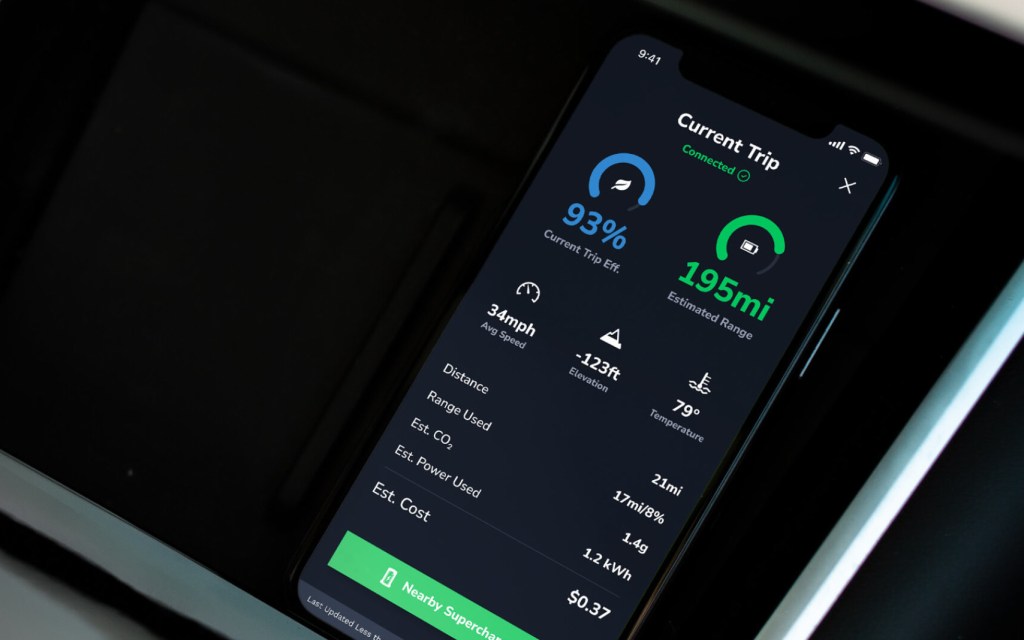
Analyze the real-time impact of your driving style on your electric vehicle’s efficiency and range.
Access your live driving data
To access your EV’s live driving stats, start by opening the TezLab app on your phone. Download TezLab here.
If your vehicle is actively charging, you’ll see a blue “Driving” icon at the top of your home screen.

Click into the blue button to access your current drive information.
Unlock your live insights
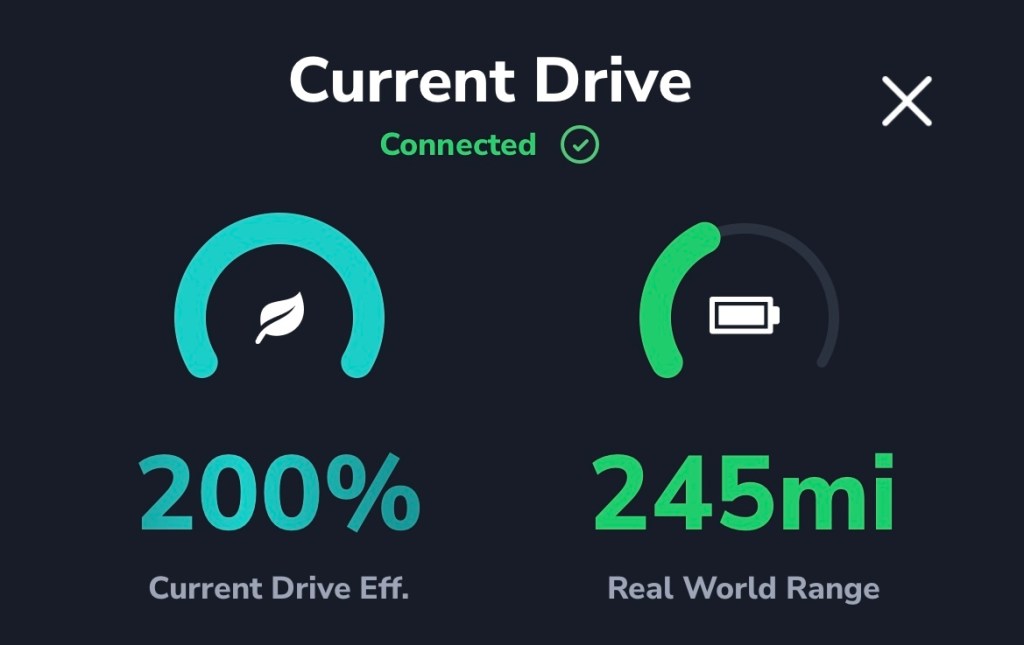
Efficiency and range
Your first stats offer an at-a-glance overview of your current drive.
See your current drive efficiency, and real world range based on your battery and driving style.
Basic stats
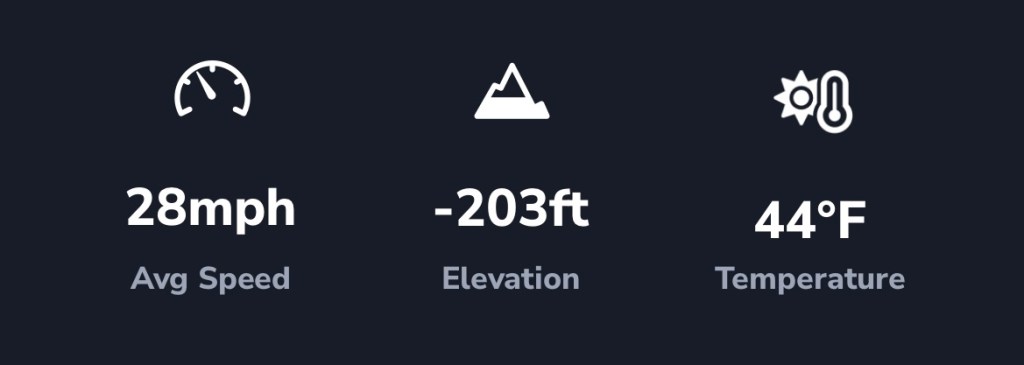
- Average speed
- Elevation change
- Temperature
Detailed insights
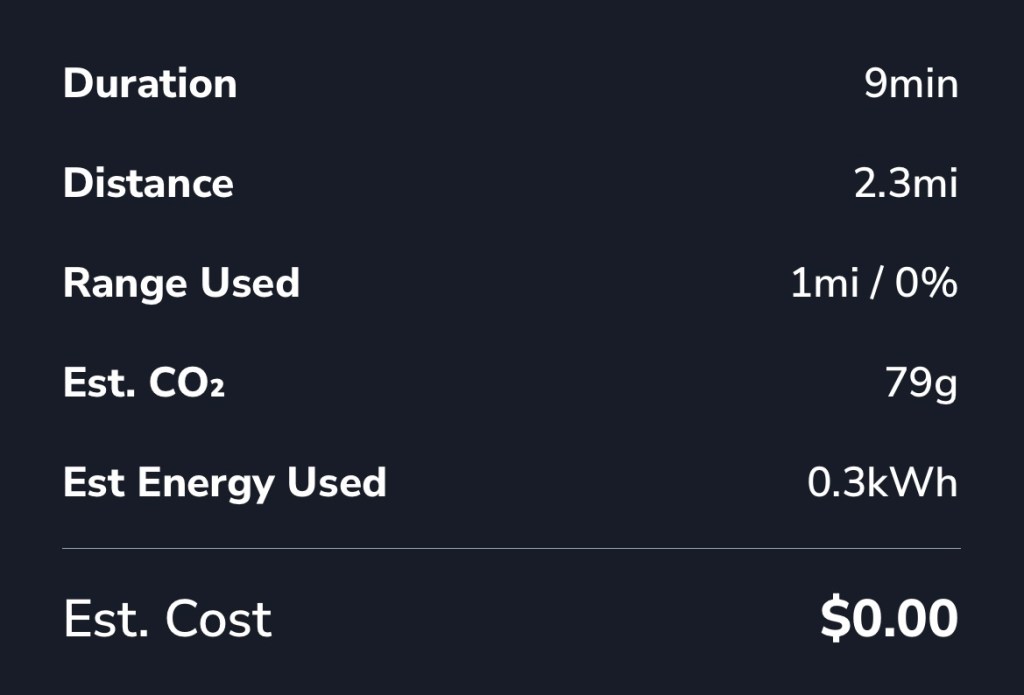
Below, you’ll find more detailed information on your current drive, including:
- duration of your current drive
- distance traveled
- range used (in both mileage and percentage)
- estimated CO₂ contributions
- estimated energy used
- estimated cost of the drive
Nearby Superchargers
At the bottom of your current drive view, you’ll see a green button called “Nearby Superchargers” that will take you to our best-in-class Supercharger map.
The TezLab supercharger map is available both in the mobile app, and for public use! Check out the public Supercharger map online.
Use your personalized Range Rings, one of the most powerful tools in the map, to explore chargers that you could drive to based on your vehicle’s current location and range.

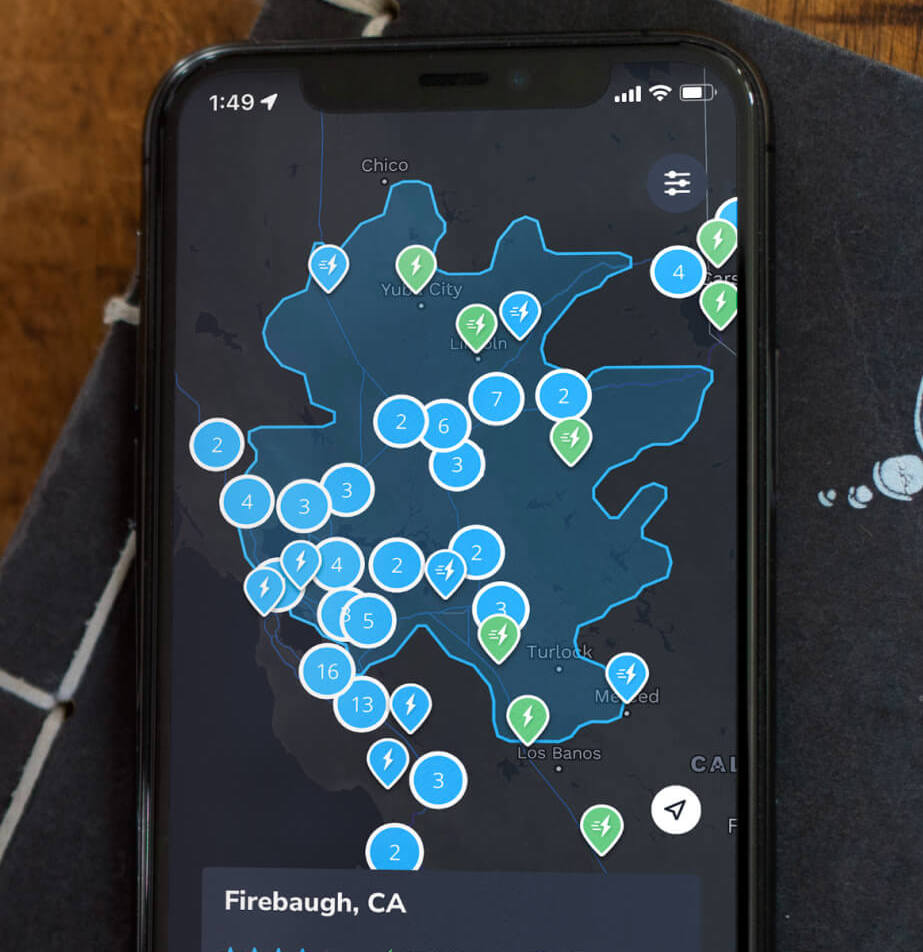
Note: Range Rings and other Pro features are only available for TezLab Pro subscribers.
Learn more about Supercharger map with our post Plan Your Trip with the Supercharger Map.
Zoom zoom ahead
As always, happy driving!
Unlock a comprehensive view of how you charge and use your battery with TezLab Pro, now available for purchasing or gifting.
 Tezlab Blog
Leave a comment