
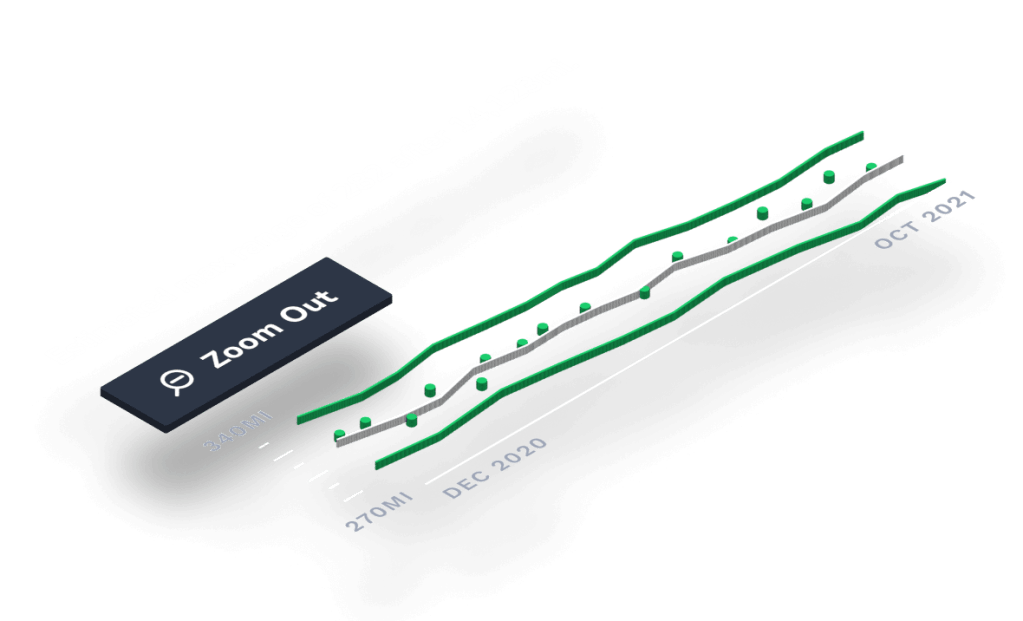
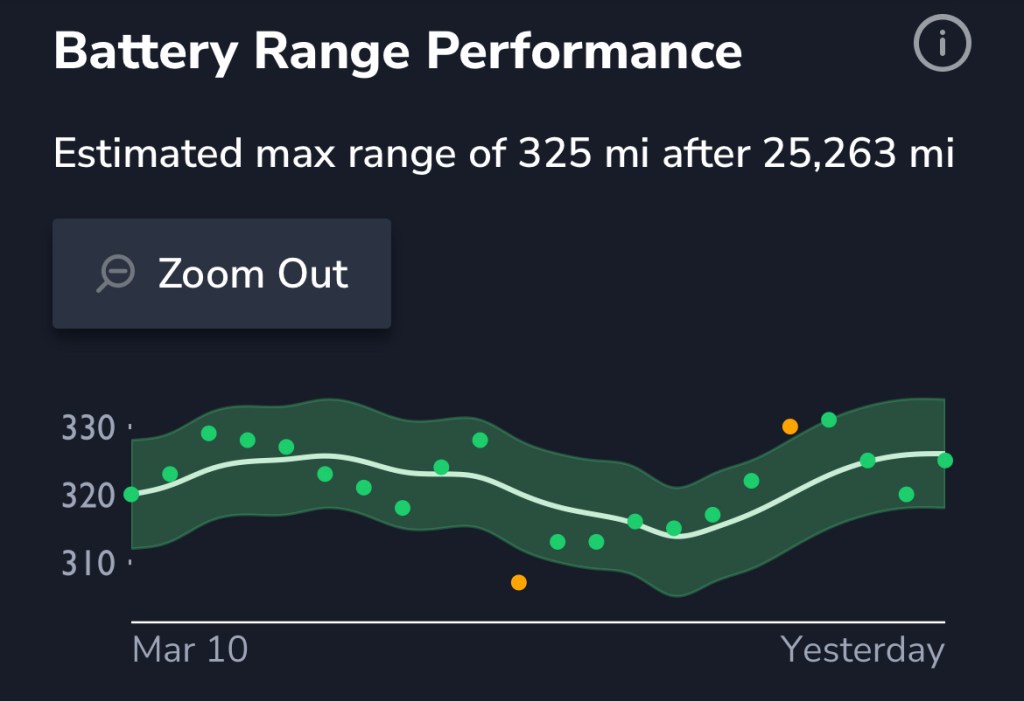
Use your Battery Range Performance report to gain insights into the change in max capacity of your battery over time.
While it’s not possible to determine the exact chemical health of your battery from data provided by your vehicle, this report gives you an idea of what some refer to as “battery health.”
Read on to learn more, including how the report is calculated.
Accessing your max range trends
To access your Battery Range Performance report:

1. Open the TezLab app home screen
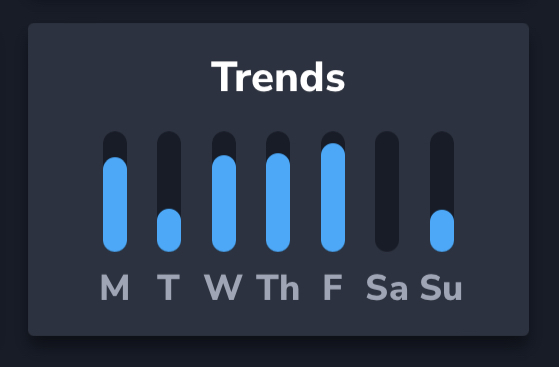
2. Scroll down and click in to Trends
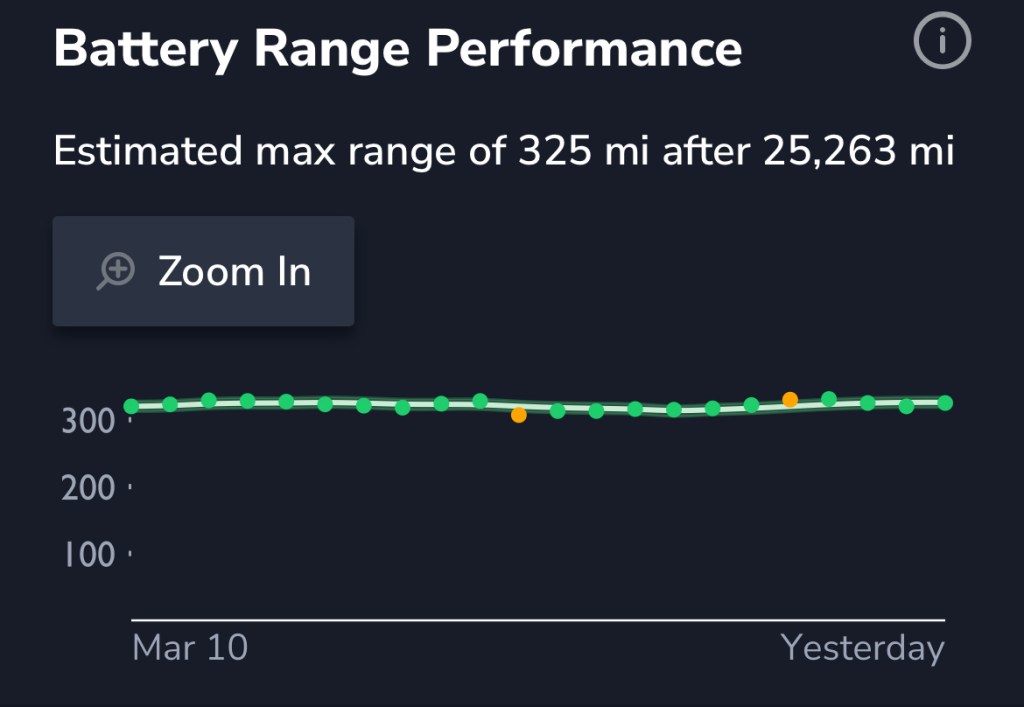
3. Scroll down and access your report!
Zoom in or out
You can choose to view your report from a zoomed out view for an overview, or from a zoomed in view for more granular details.
The orange dots indicate departures from your normal trend.
Zoomed out
For an overall sense of how your max range has changed (or stayed consistent) over time, stay in the zoomed out view of your report.
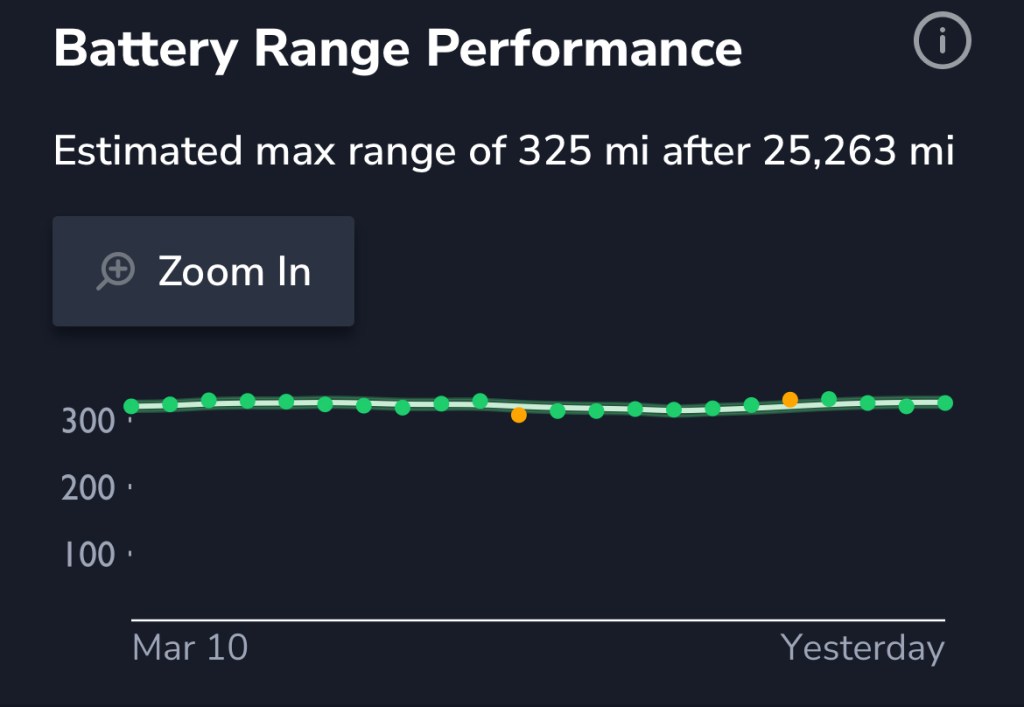
Zoomed in
For a more granular understanding of your estimated max range changes, zoom in to your report.
How it’s calculated
Your max range is extrapolated from your vehicle’s maximum reported range at 100% charge.
This value is recorded over time using calculations from select charges.
In order to get the most accurate extrapolation possible, TezLab bases battery capacity on charging sessions where 1) a significant amount of energy has been added to the battery (at least 25%), and 2) the ending state of charge is 90% or greater.
As an example, a charge from 58% to 93% will trigger a max range estimate calculation.
Want to see how the max capacity of your battery changes over time?
Download TezLab, and subscribe to TezLab Pro for full access to Pro features, including a comprehensive view of how you charge and use your battery.
 Tezlab Blog
Leave a comment