

As the weather changes, you might be finding it a bit more difficult to get out of bed and adjust to the new temperature.
With climate scheduling capabilities for your electric vehicle, you can now make sure your vehicle will be at the perfect temperature when you need to leave.
Instead of having to remember to turn on climate controls right before you head out, schedule your vehicle’s climate ahead of time.
How to schedule climate

- Open the TezLab app
- On the home screen, directly below your vehicle’s current location, click on the button with a fan icon labeled “Climate” in your quick controls. (This icon may be green or white, depending on your vehicle’s current state. Pro tip: press and hold a Quick Control to swap them out!)
- Schedule climate based on a Timer or Departure Time:
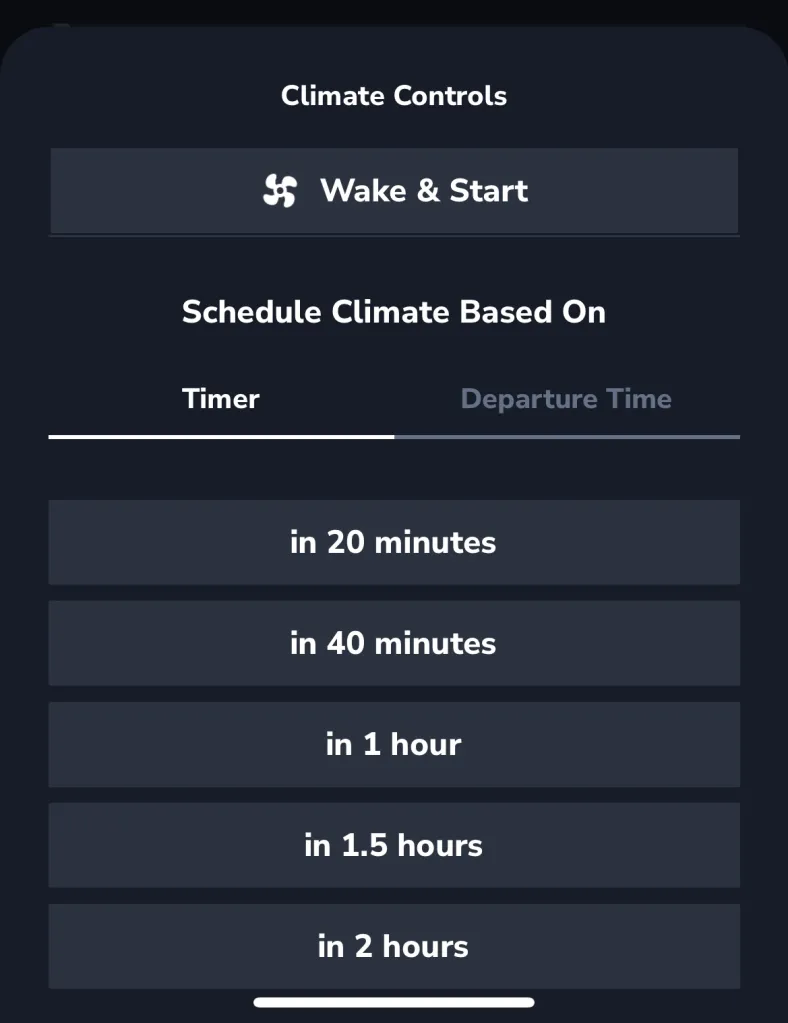
In the Timer section, you can schedule your car’s temperature to be set in the next couple hours (ex. in 40 minutes).
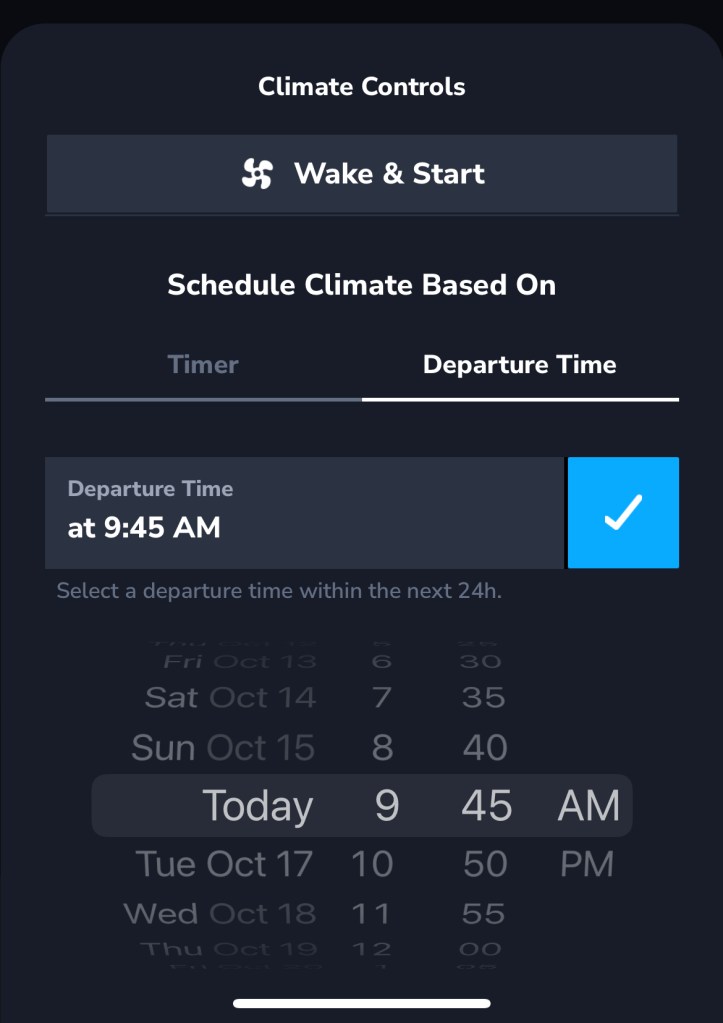
Toggle to Departure Time to schedule climate at a particular time in the next 24 hours (ex. 11:30am tomorrow).
Specialty climate modes
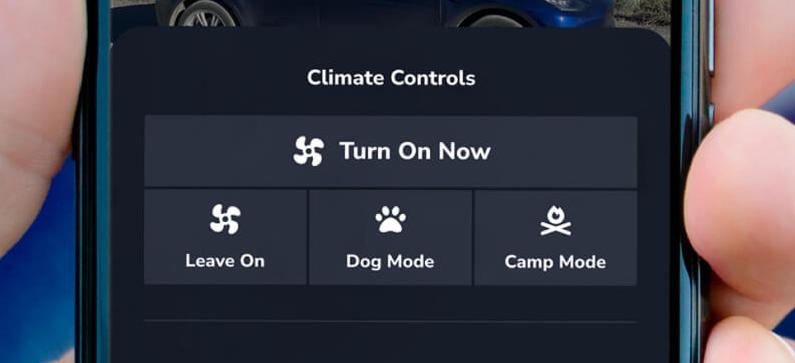
Depending on your vehicle’s current mode, you may also have access to additional climate mode features.
- Leave On: keep the cabin climate operating even after you’ve left your vehicle – the default is for all features to power down when the Tesla powers down
- Dog Mode: keep your pet safe by leaving the vehicle at a comfortable temperature for them while you step away
- Camp Mode: for the times when you may need to sleep or power nap in your vehicle – the climate is maintained at a comfortable temperature and the touch screen stays active
Happy driving!
Download TezLab, and subscribe to TezLab Pro for full access to Pro features including delayed/scheduled climate start. Unlock this feature and more with a Pro subscription.
 Tezlab Blog
Leave a comment