
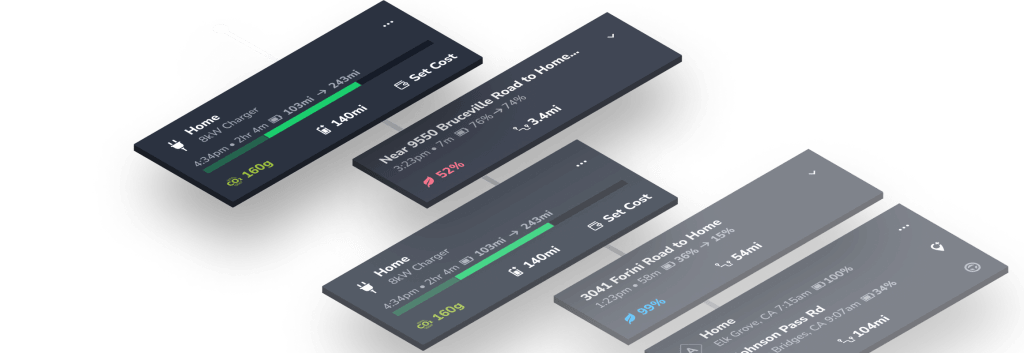
See our previous post in the feature tour for details on the top sections of the home screen: 1) Status, 2) Quick Stats, and 3) Notifications.
Today we’re continuing down the home screen with a tour of sections: 5) Recently Tracked and 6) Driving Overview.
It’s like having a super-smart copilot cheering you on.
Let’s get to it!
4. Recently Tracked
See your latest drives and charges.
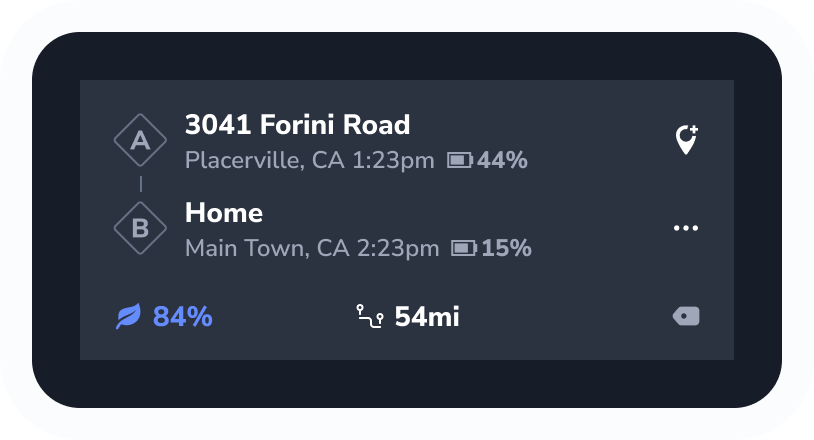
Drives
Get your efficiency score for your last few trips, as well as distance traveled, range depleted, elevation, and average temp.
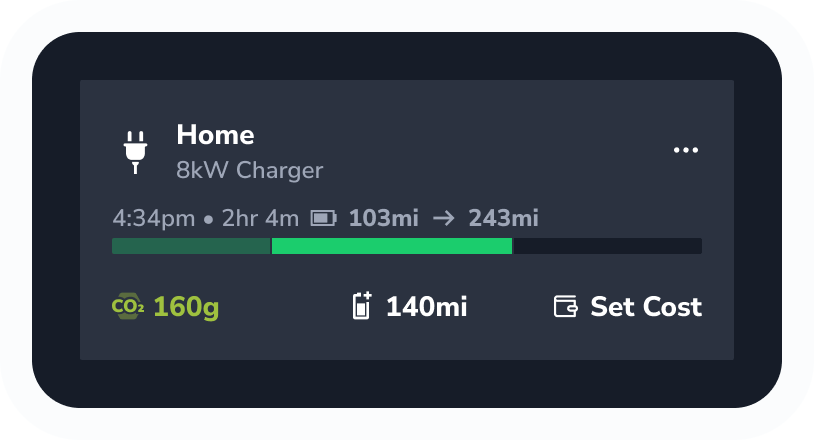
Charges
See your charge start and end percentages, charging duration, and miles & energy added. Tap the icon for a full Charge Report.
5. Driving Overview
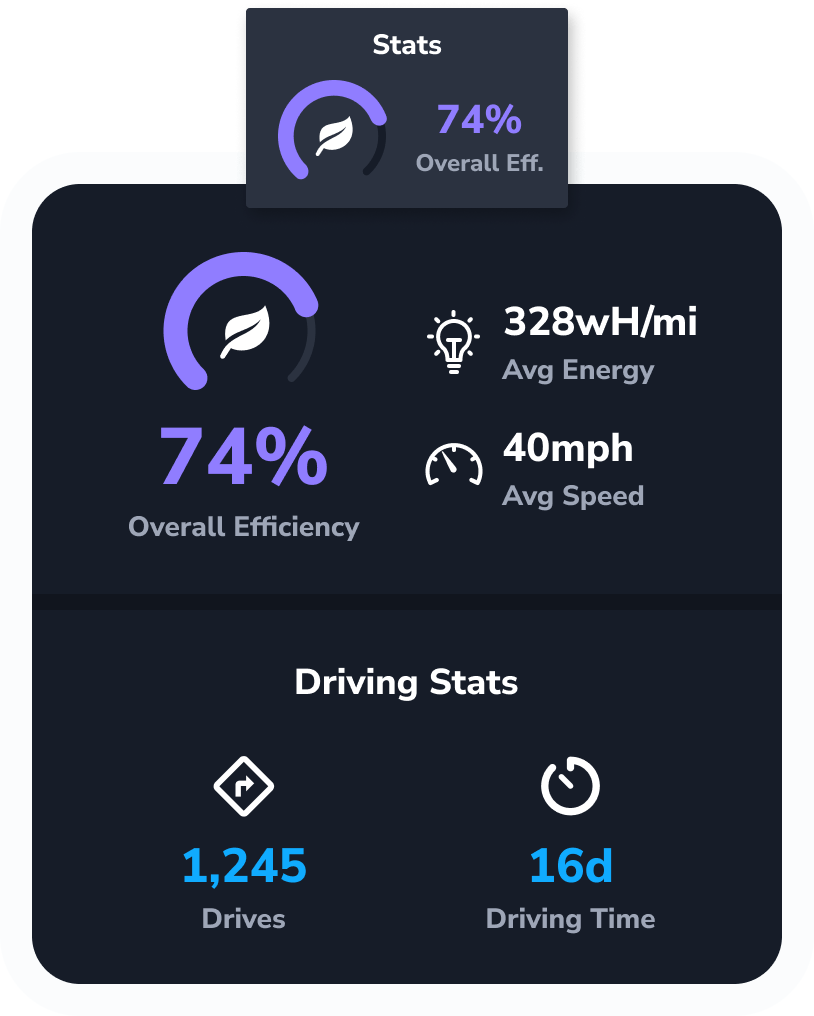
Stats
See your real overall efficiency score. Tap in for data on energy, average speed, driving time and distance, and charging stats.
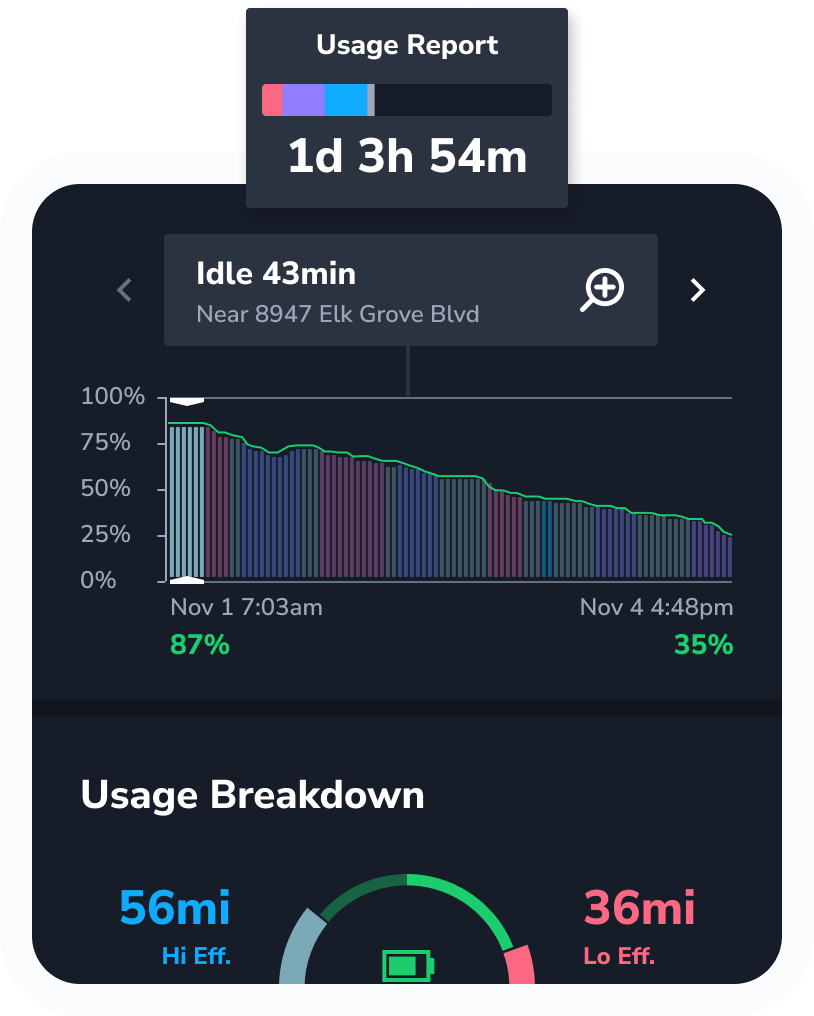
Usage Report
Get your own color-coded usage breakdown, including idle time, efficiency, and climate.
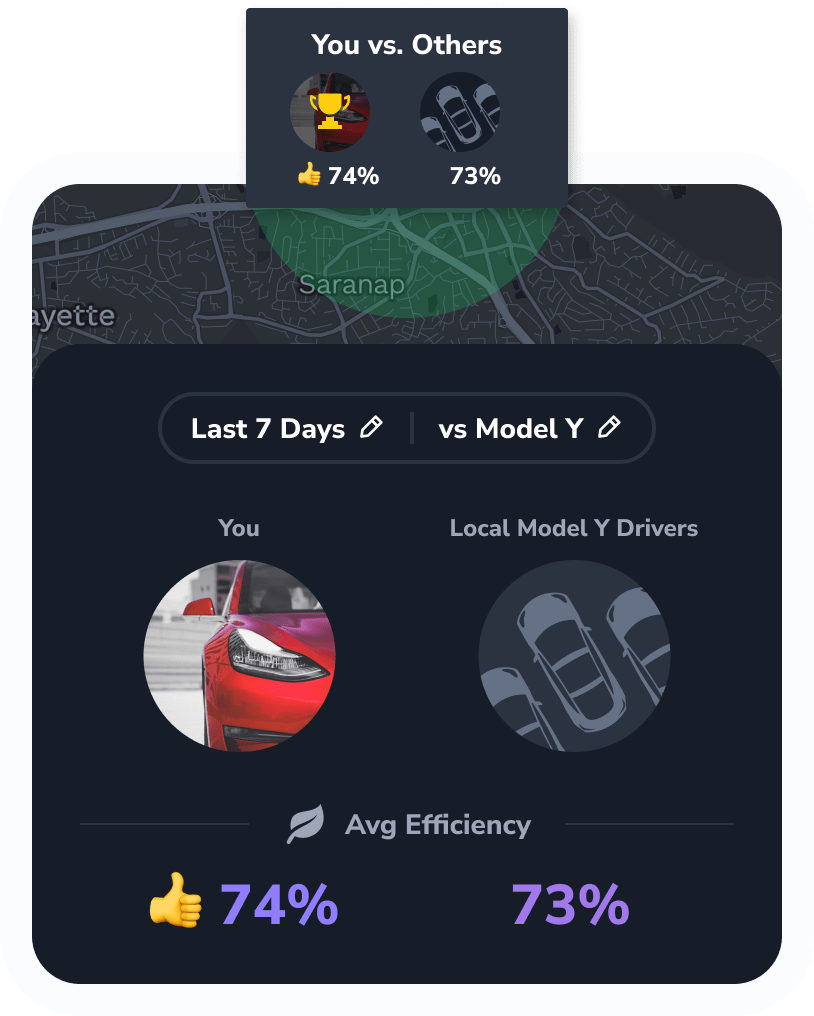
You vs. Others
Check your efficiency score, distance, and speed compared to other drivers in your area.
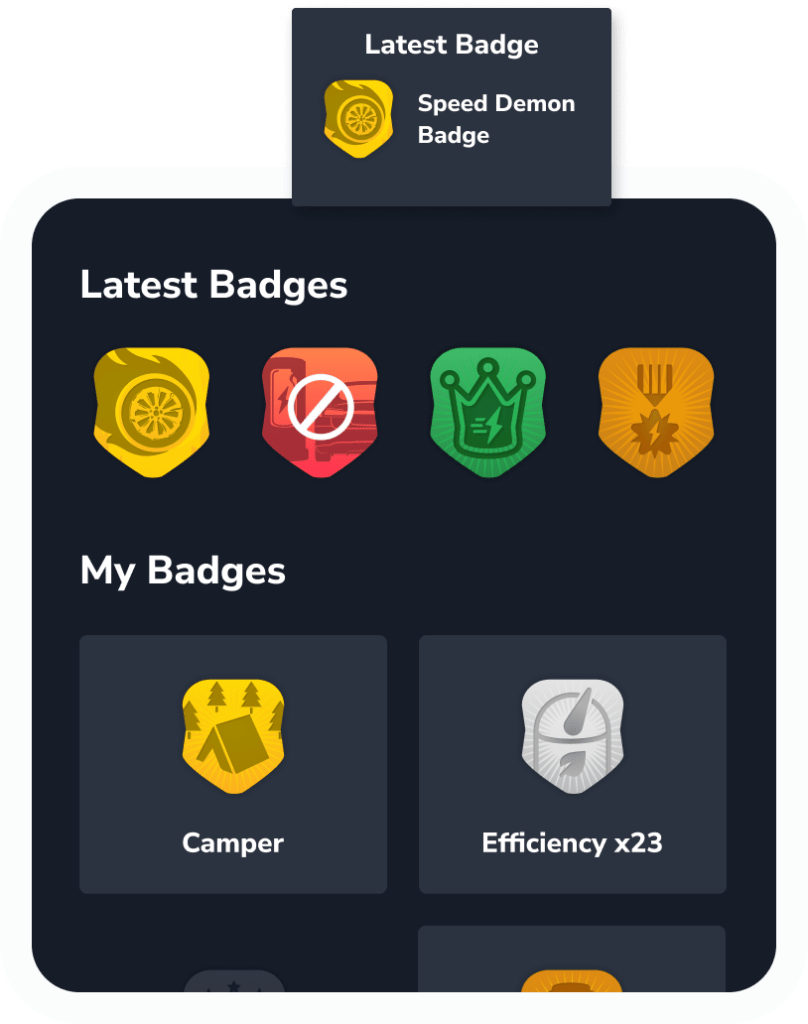
Latest Badge
Earn and collect badges, including for fuel savings, miles in a day, and efficiency. See if you can beat your last badge!
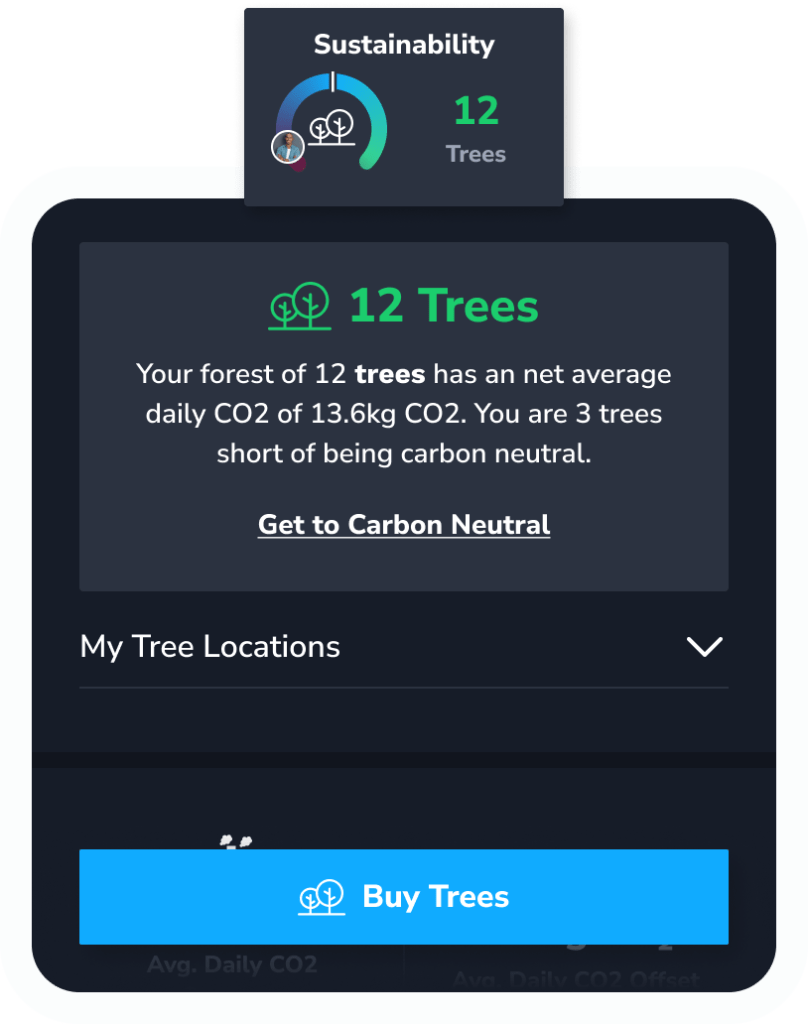
Sustain-ability
Plant (real) trees to offset CO₂ directly through the app. See your forest and net CO₂ offset to reach carbon neutrality.
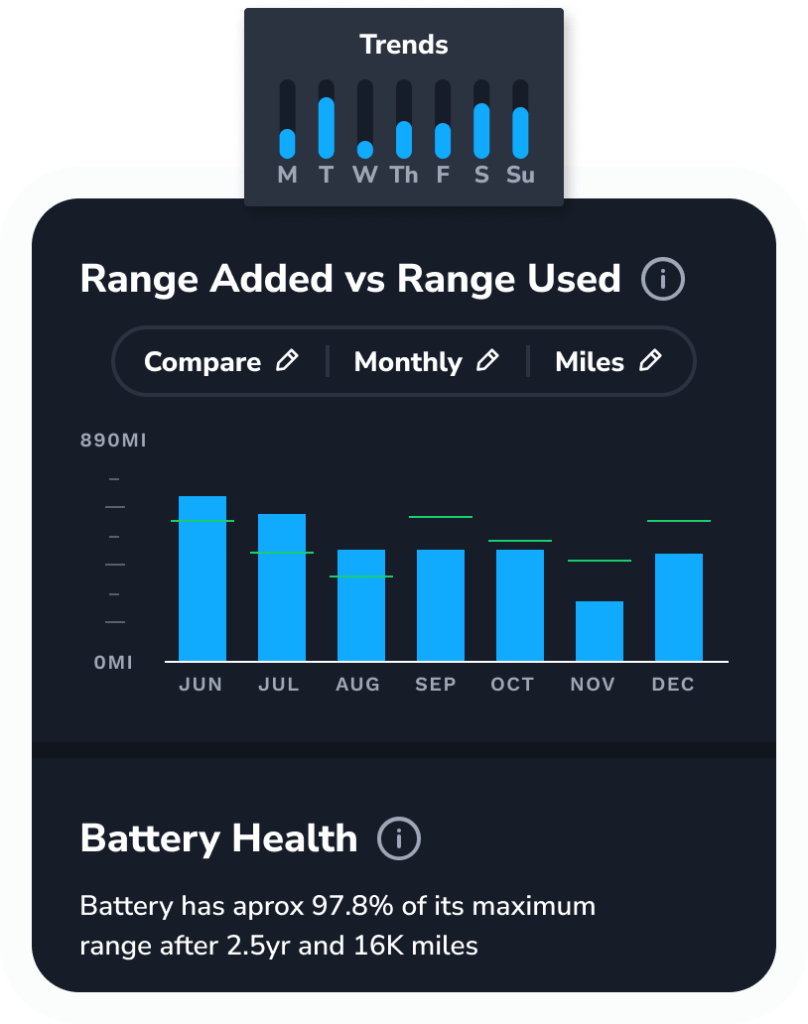
Trends
See range added vs. used by day of the week, battery range performance, and drive efficiency vs. average temperature.
You’re all set!
You now know all the basics to unleash the full potential of your Tesla.
Let the adventure begin.
 Tezlab Blog
Leave a comment