
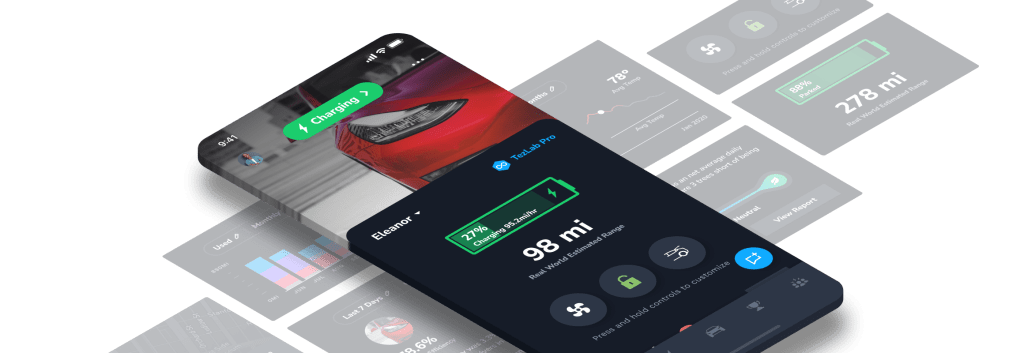
We’re kicking off the official TezLab Feature Tour series today with a quick overview of the home screen, including:
- Status
- Quick Stats
- Notifications
We’ll continue on down the home screen with the 5) Recently Tracked and 6) Driving Overview sections in our next post.
Welcome to your very own Tesla mission control, minus the spacesuit.
1. Status
When you open the TezLab app, check your Tesla’s current status.
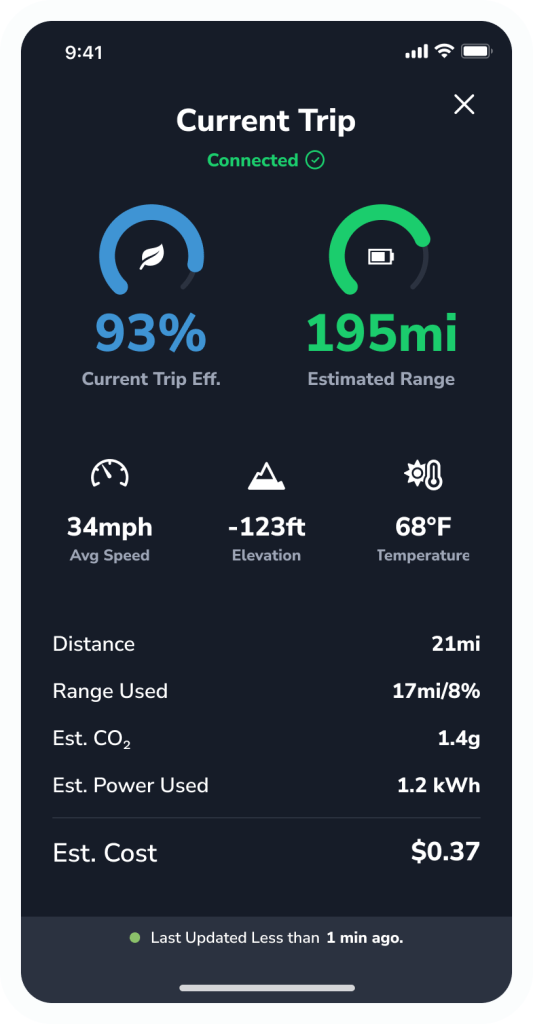
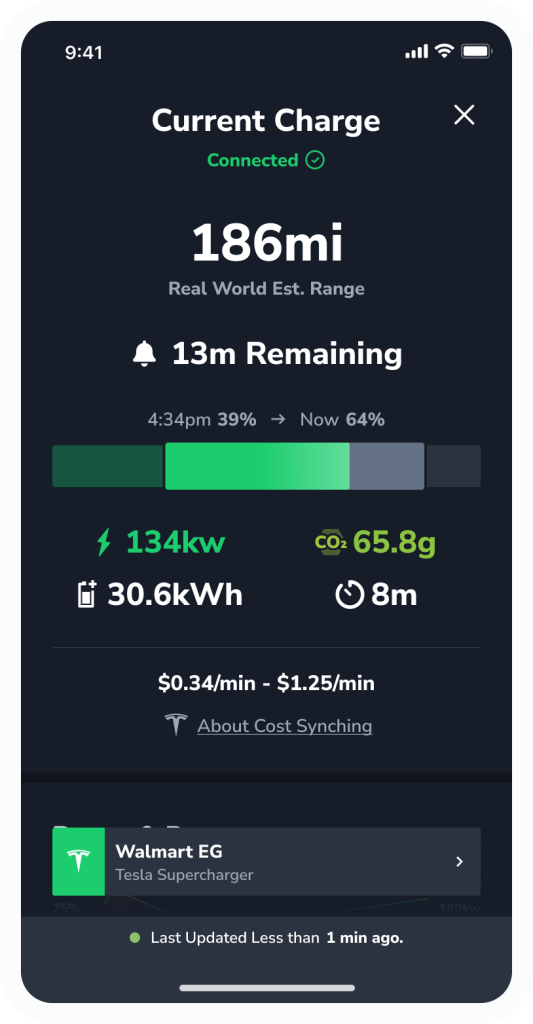
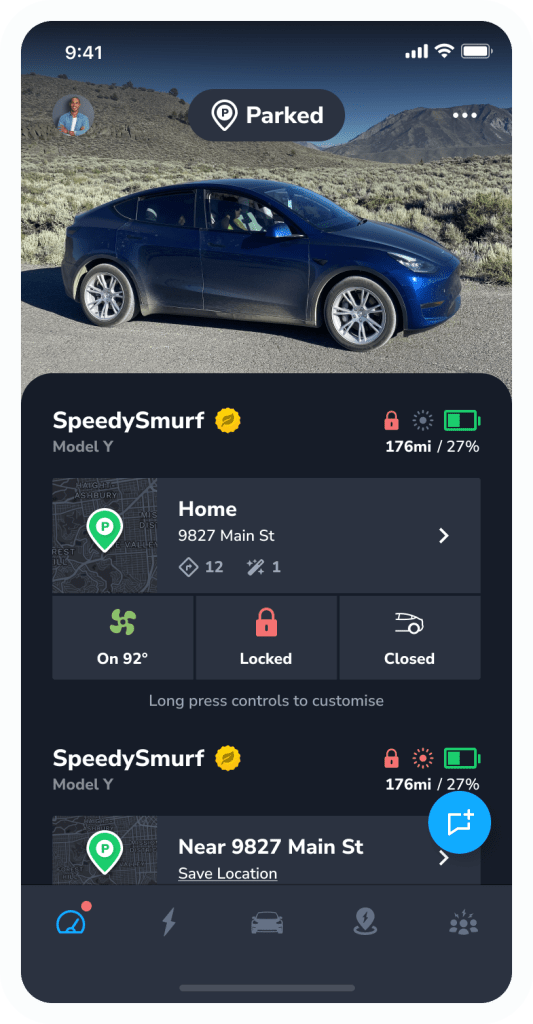
2. Quick Stats
Get über-accurate info on your Tesla’s range based on your real driving efficiency, as well as location info, climate controls, and car controls.
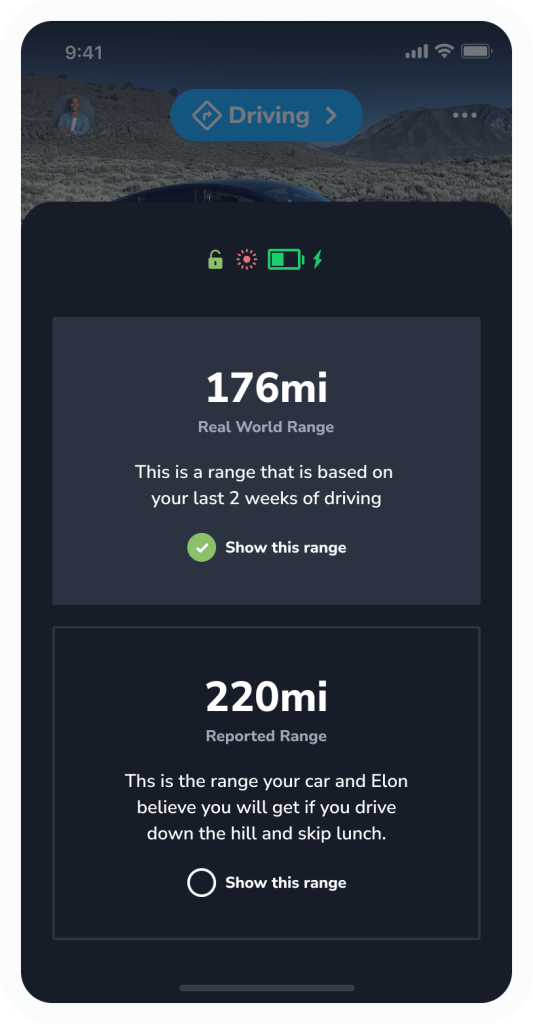
Range Overview
Tap the snapshot icons to view your Real World Range based on your actual efficiency over the last 2 weeks.
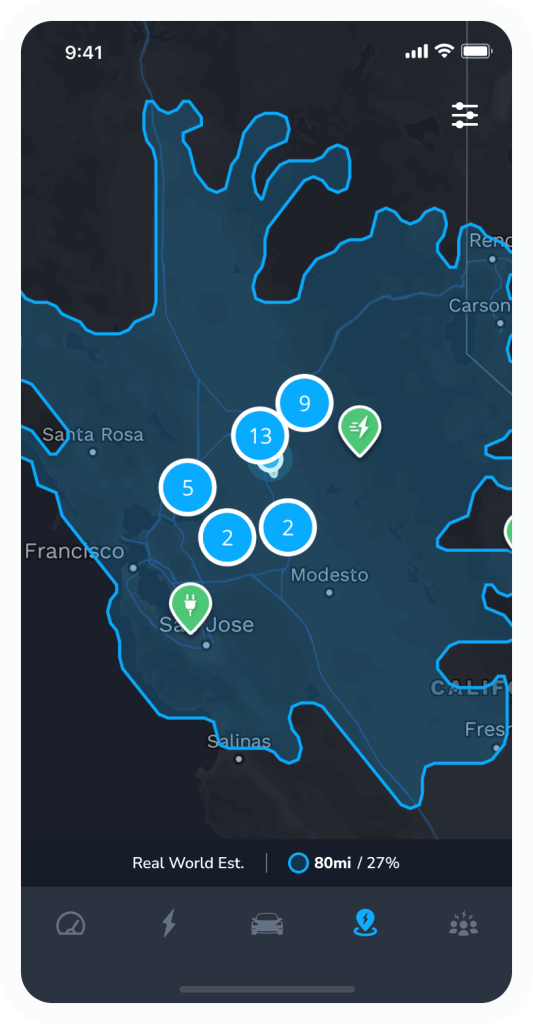
Location
See where your Tesla is at any given moment (even if your teenager has stolen it for a spin).
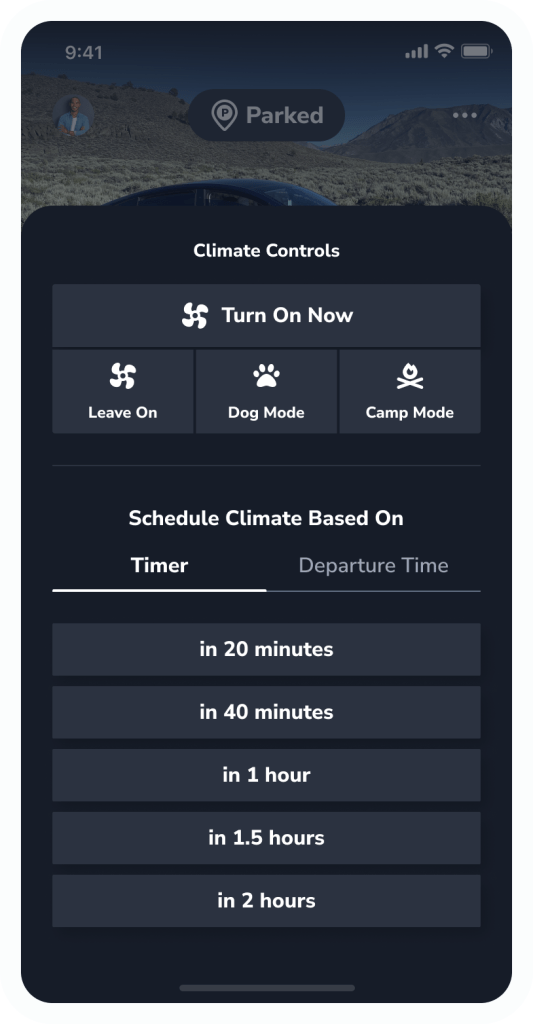
Quick Controls
Turn on and off climate (including Dog mode and Camp mode) or schedule climate controls in advance as a Pro member.
Use car controls to quickly lock and unlock your car, close the trunk or frunk, remote start, and more.
Hold any Quick Control to swap controls.
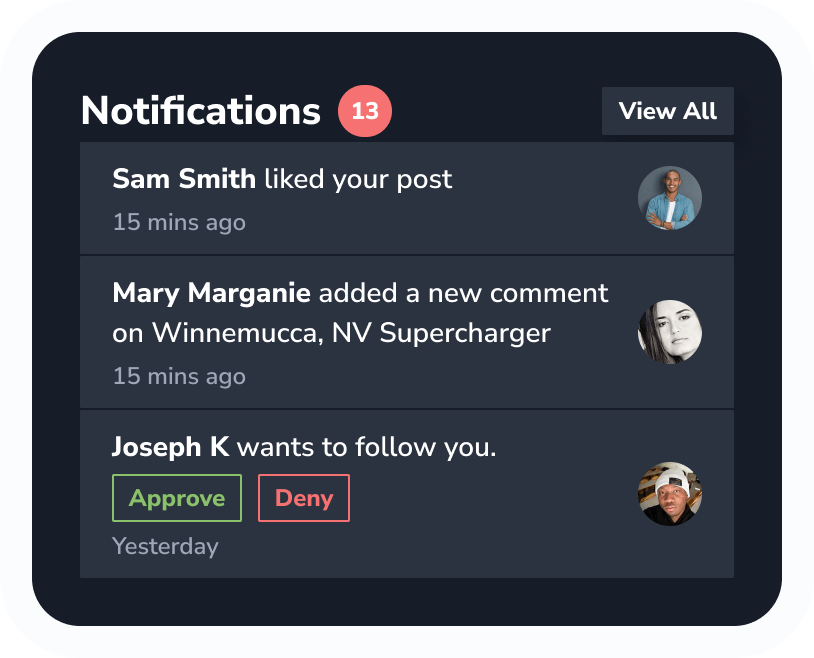
3. Notifications
Never miss a finished charge, usage report, or new badge.
That’s all, folks!
Buckle up and get ready to unleash the full potential of your Tesla.
Stay tuned for the next post in our feature tour diving into the next sections on the home screen: Recently Tracked and Driving Overview.
Let the adventure begin.
 Tezlab Blog
Leave a comment